11-12 SPARCstation 5 Service Manual—November 1996
11
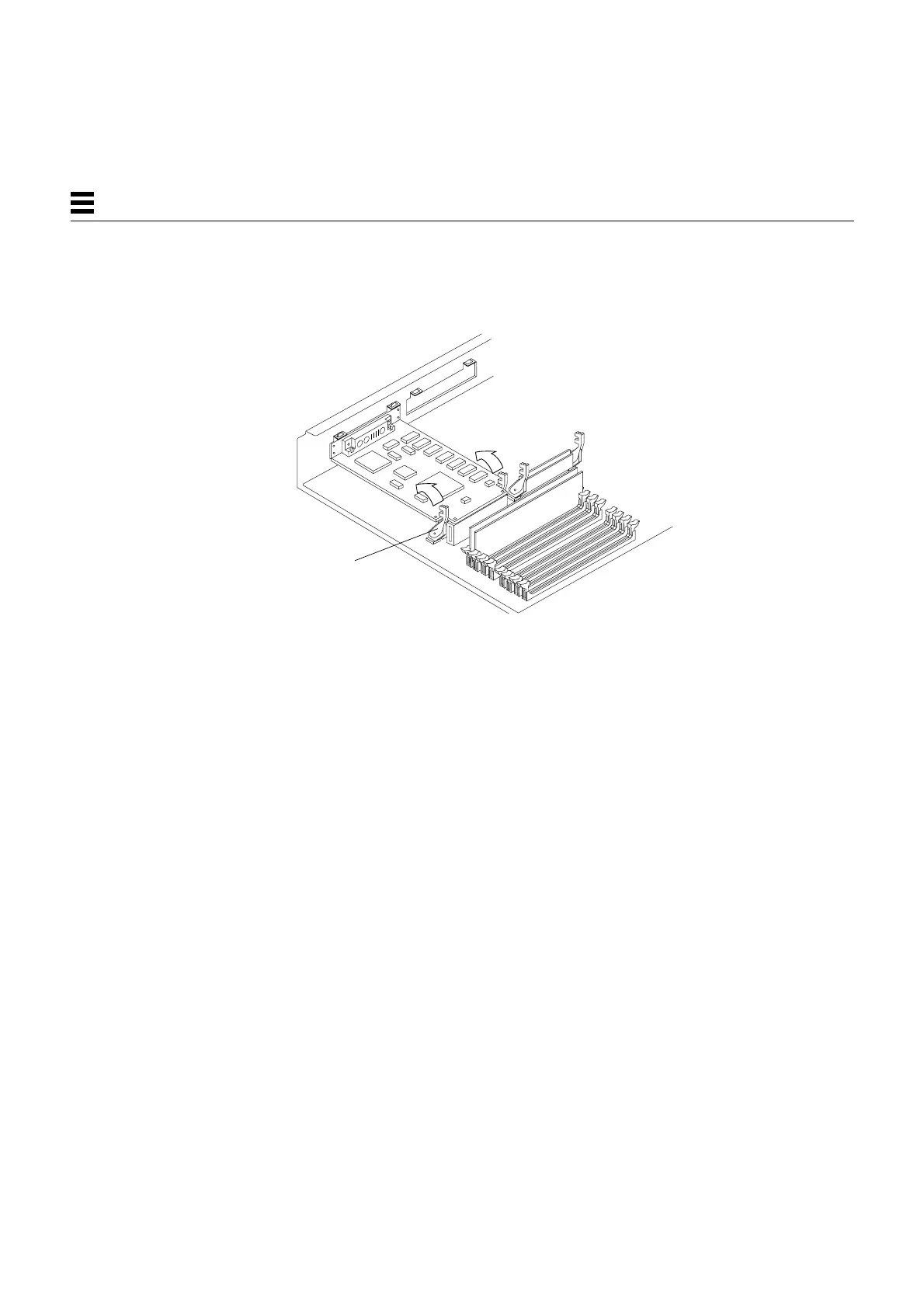
5. Push the card retainers forward to clamp down the S24 card.
See Figure 11-13.
Figure 11-13 Closing the Card Retainers
6. Detach the wrist strap and replace the cover.
See Chapter 7, “Internal Access.”
7. Power on the system.
See Section 6.2, “Powering On the System.”
Close both
card retainers.














 To Next Page