To this chapter contents
3. LUBRICATION SYSTEM
3-6
Oil Pump
Oil Pump Removal
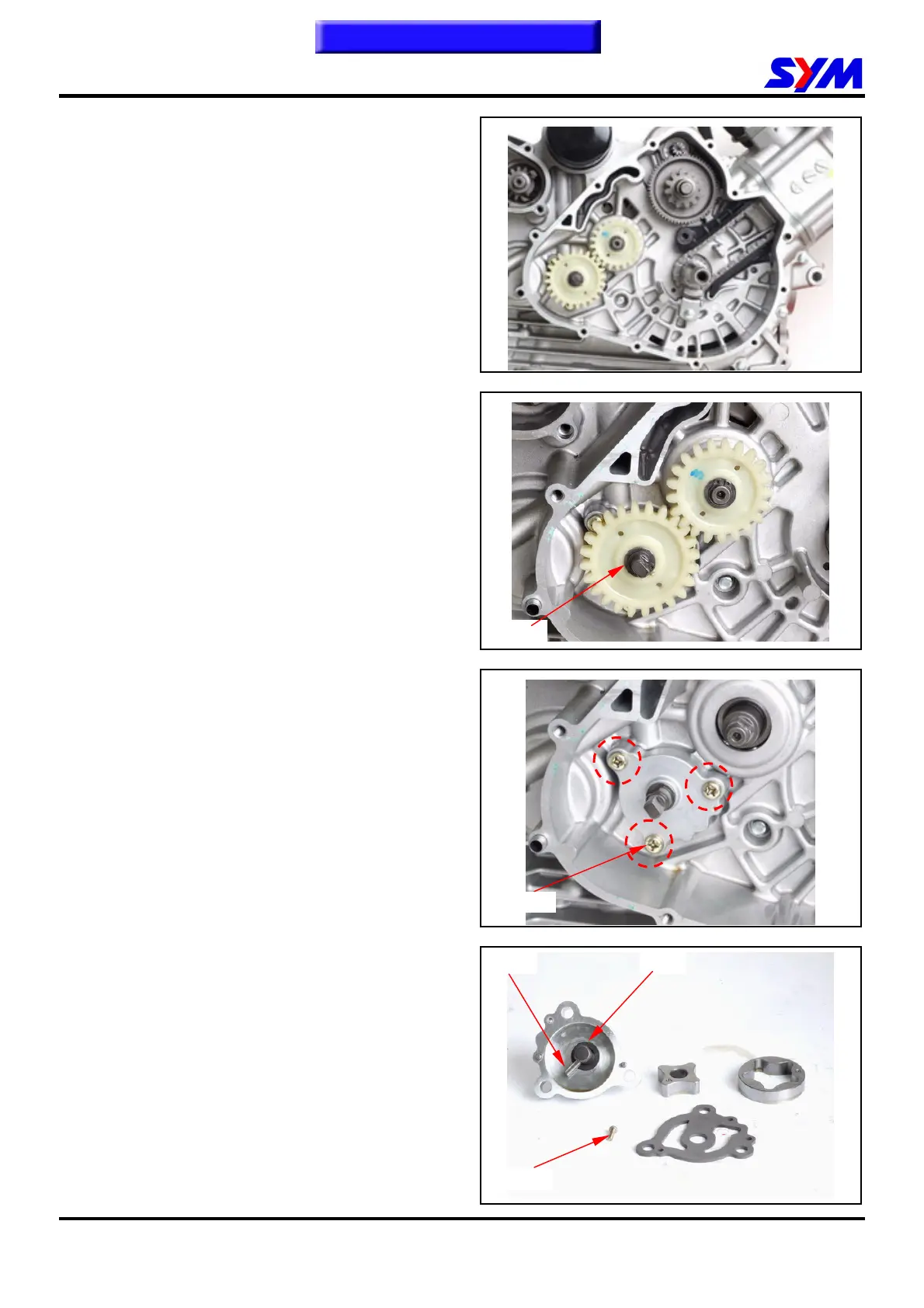
Remove the recoil starter and the AC Generator.
(Refer to chapter 10) 。
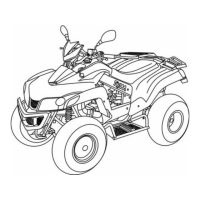
Remove the cir clip and take out the oil pump
sprocket.
Make sure that pump shaft can be rotated freely.
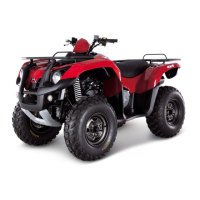
Remove 3 screws on the oil pump, and then
remove the oil pump.
Oil Pump Disassembly
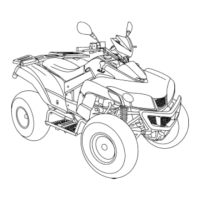
Remove the screws on oil pump cover and
remove the cover.
Remove the oil pump shaft roller and shaft.
Cir Clip
3 screws
1 screw
Roller Pin


 To Next Page