8. V-BELT DRIVING SYSTEM
8-3
Left Crankcase Cover
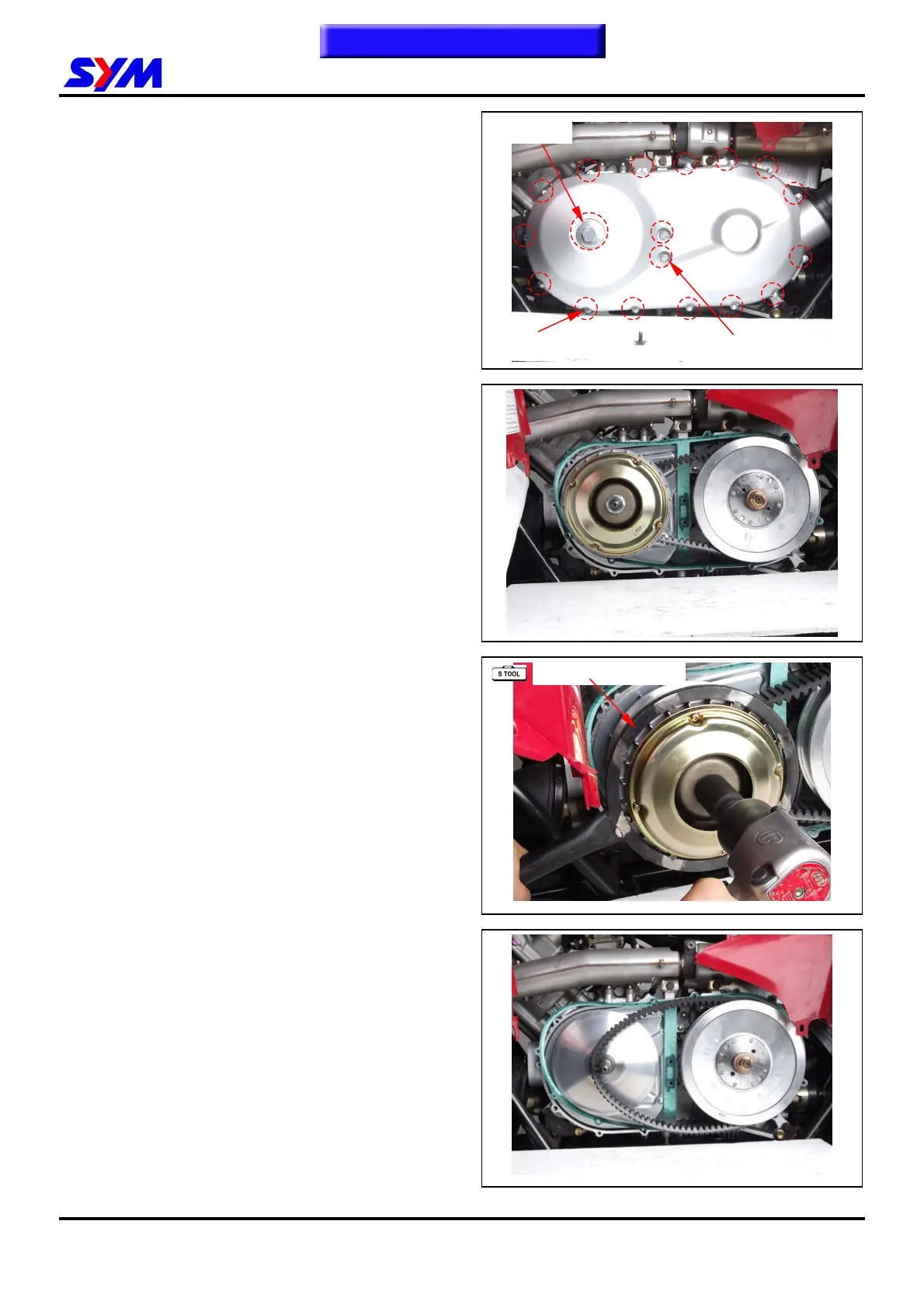
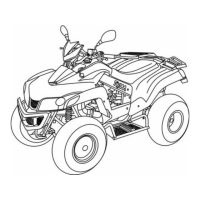
Left crankcase cover removal
Release 2 clamp strips of left crankcase cover
ducts, and then remove the ducts.
Remove left crankcase cover cap.
Remove left crankcase cover bolts (17bolts).
Remove 2 dowel pin and gasket.
Left crankcase cover installation
Install left crankcase cover in the reverse
procedure of removal.
Drive Belt
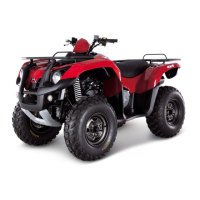
Loosen 1nut from the drive face with Special tool.
Tool name: Movable Drive Face Holder
Tool NO: SYM-2211000-REA
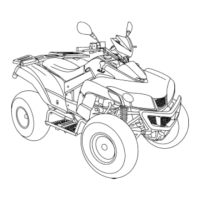
Remove the movable drive face.
To this chapter contents
15 bolts
L case cap
SYM-2211000-REA
2 bolts



 To Next Page