8. V-BELT DRIVING SYSTEM
8-5
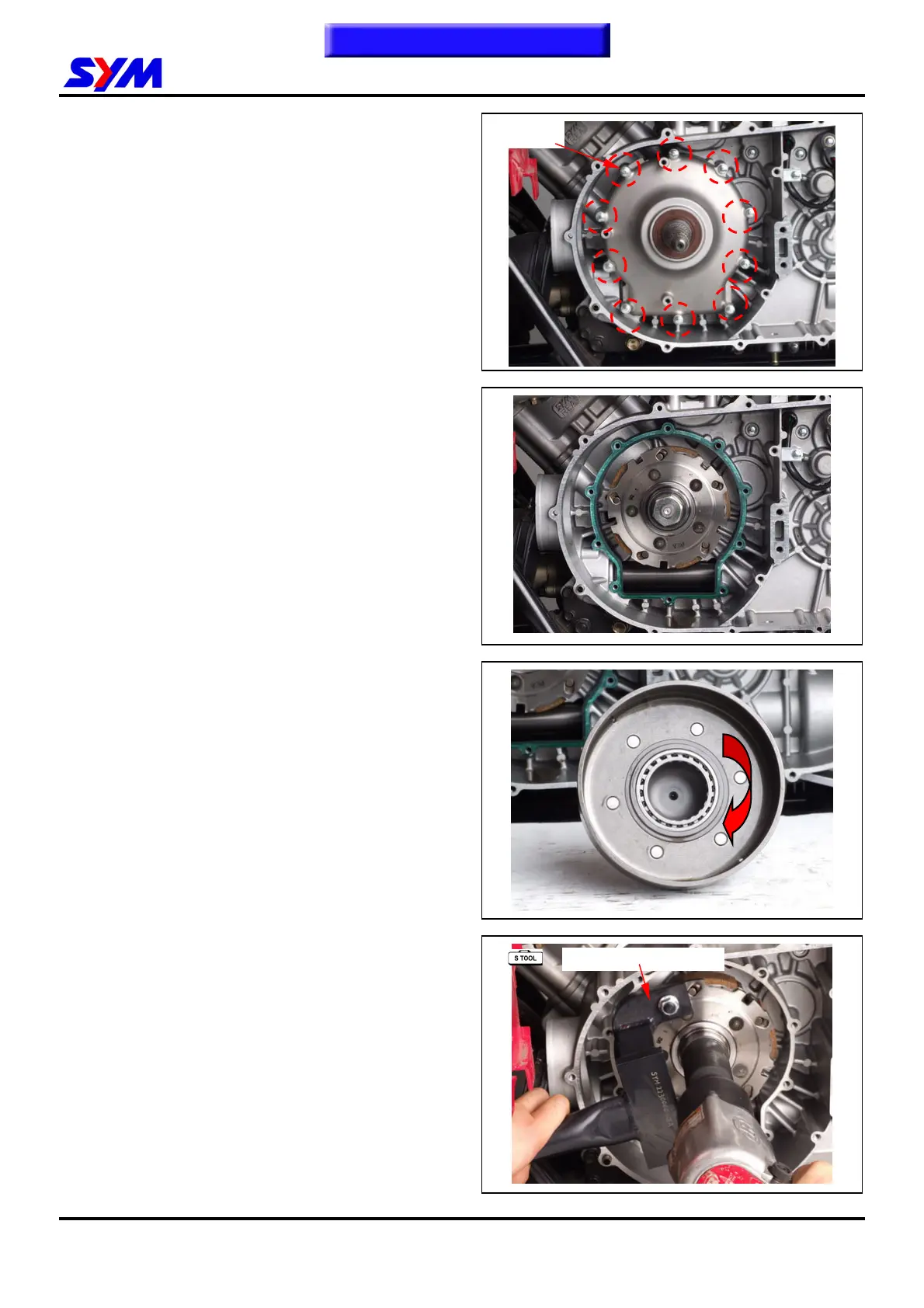
Loosen 10 bolts from the clutch cover.
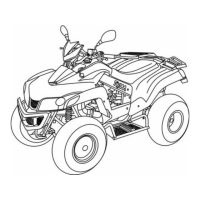
Remove the clutch cover.
Remove the clutch outer.
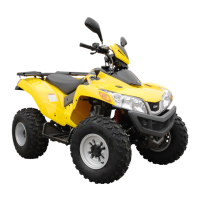
One-way Clutch Inspection
Check each roller for wear or damage.
Hold the clutch outer and turning the one way
clutch for right side. .
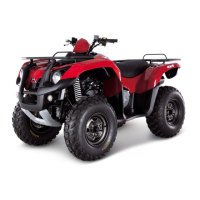
Loosen the drive plate nut with special tool.
Remove the drive plate.
Tool name: drive plate holder
Tool NO: SYM-2230000-REA
10 Belts
SYM-2230000-REA
To this chapter contents


 To Next Page