Deleting All Playlists From The Hard Disk Drive
1. Press the MENU hard-key on the right side of the
radio.
2. Touch the System Setup soft-key to access the System
Setup menu.
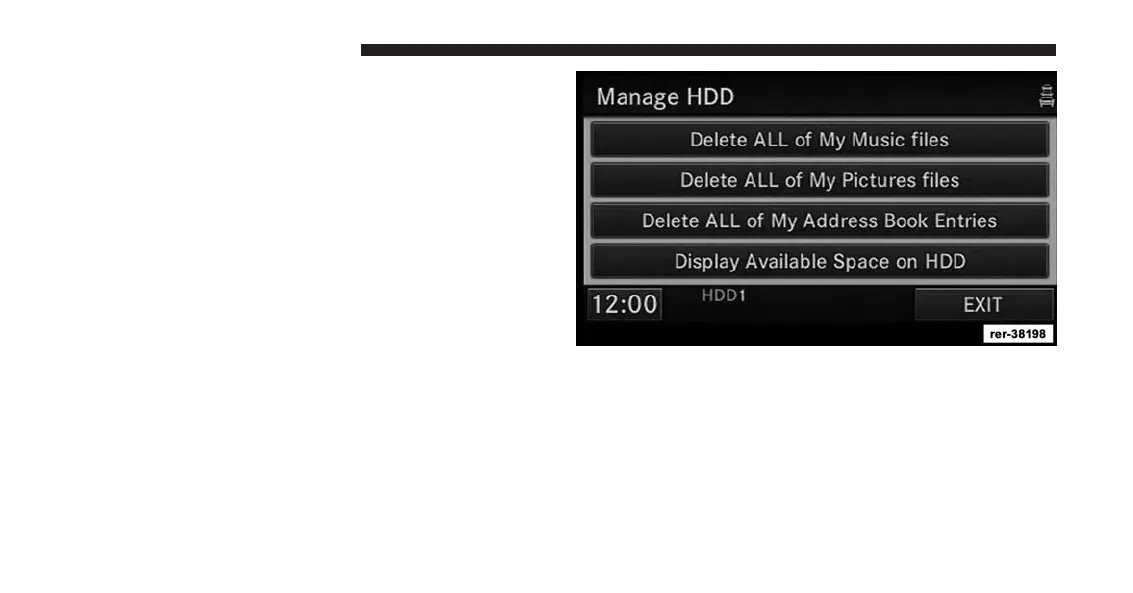
3. Touch the Manage HDD soft-key to access the Manage
HDD menu.
This menu displays the available space on the hard disk
drive and allows you to delete pictures, music files, and
address book entries.
90 Uconnect® Multimedia (MEDIA)



 To Next Page