Playing Audio Files From The iPod® Device
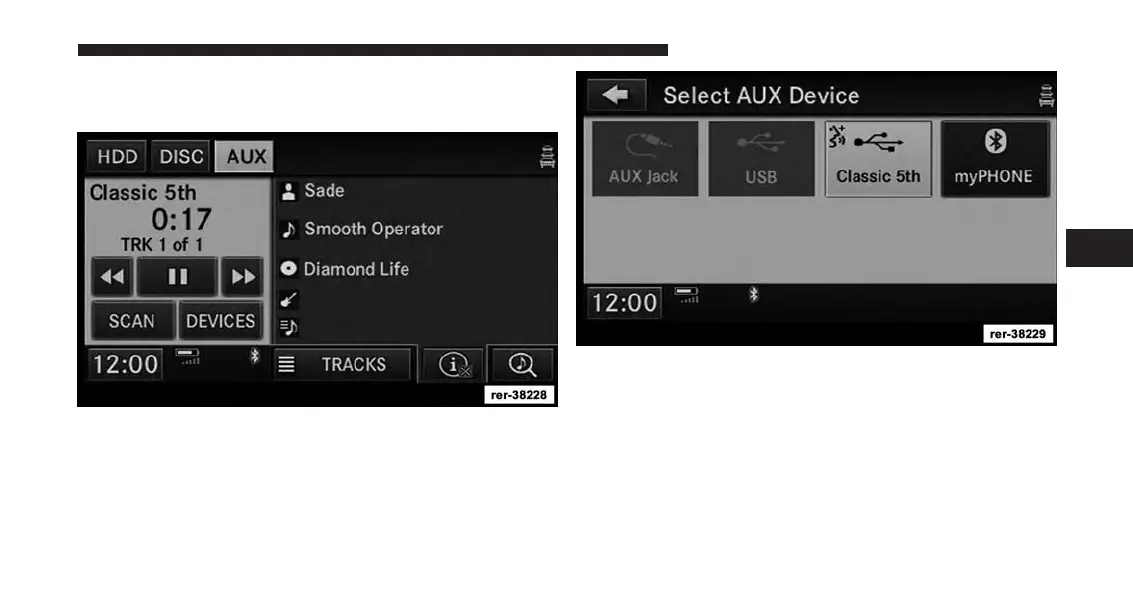
You can play songs directly from the iPod® device.
The Bluetooth® logo indicates a connected Bluetooth®
device. While in AUX mode, touch the DEVICES soft-key
to see the connected devices.
Select the desired device. The Bluetooth® logo indicates
a Bluetooth® device. For this example touch the my-
Phone soft-key.
4
Uconnect® Multimedia (REMOTE DEVICES) 107



 To Next Page