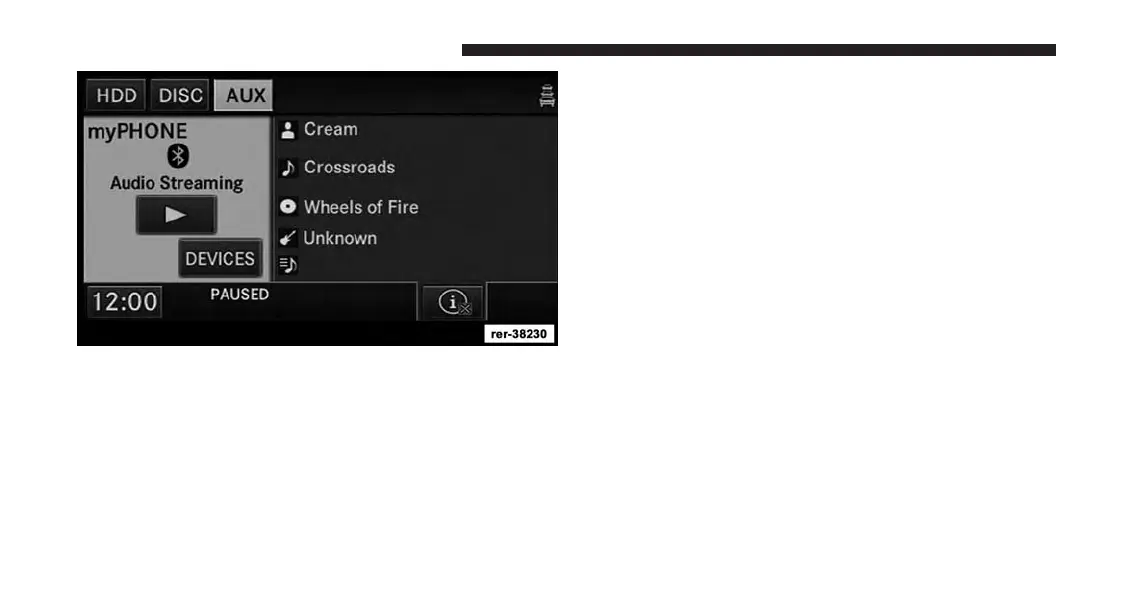
PAUSE
Touch the PAUSE soft-key to pause the Bluetooth® audio
stream.
PLAY
Touch the PLAY soft-key to start the Bluetooth® audio
stream.
Video Entertainment System (VES™)
The navigation radio can remotely control the VES™.
Refer to the VES™ section of the vehicles Owner’s
Manual on the DVD for additional details.
108 Uconnect® Multimedia (REMOTE DEVICES)



 To Next Page