Route Lines
The navigation radio displays recorded trail lines as
yellow lines on top of the road map. (See Record New
Trail section for more details.)
Suggested routes are displayed as bright green lines on
top of the road map when the route guidance is active.
NOTE:
Suggested routes (green) have a higher priority than
recorded trails and may overwrite recorded trail lines.
Stop Over
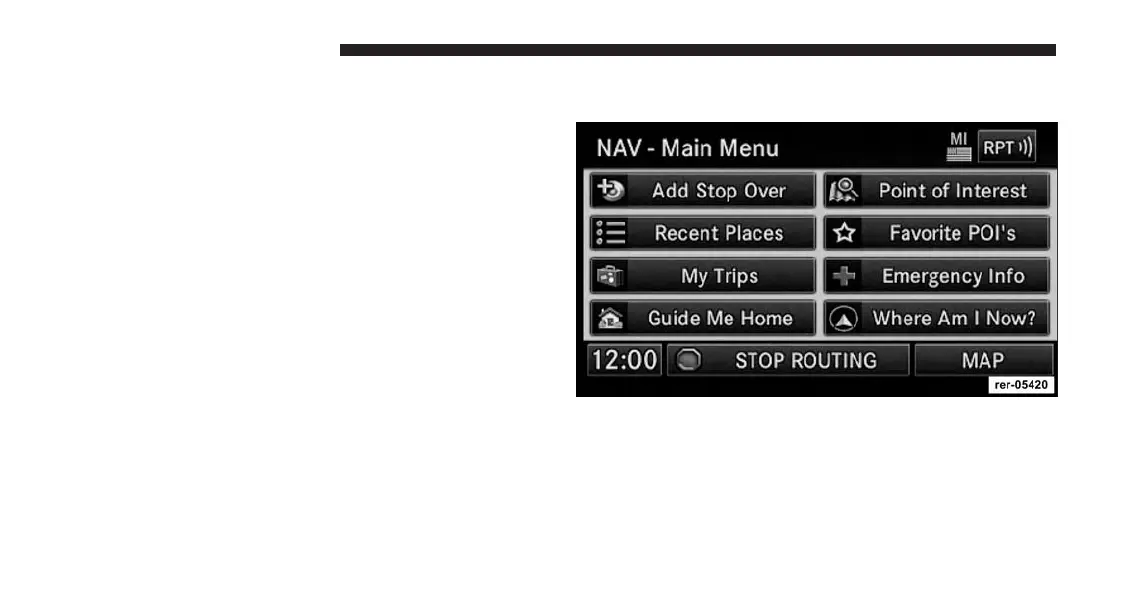
When the route guidance is active, press the Add Stop
Over soft-key to add multiple destinations. After you
confirm a stop over, you may either go to the entered stop
over first, or add it to a destination list.
194 Uconnect® GPS Navigation



 To Next Page