• The Default Folder contains contacts which are avail-
able whenever the vehicle is not in motion. Touch the
Default Folder soft-key to add, edit, delete, and route
to your contacts.
• The Voice Command Created Entries folder contains
contacts which were created with the help of the Voice
Command System. Touch the Voice Command Created
Entries folder soft-key to add, edit, delete, and route to
your contacts.
Add A Folder
Touch the + Folder soft-key to add a personalized folder.
After the new folder is named, the folder will be available
in the address book.
Entering/Editing/Deleting An Address
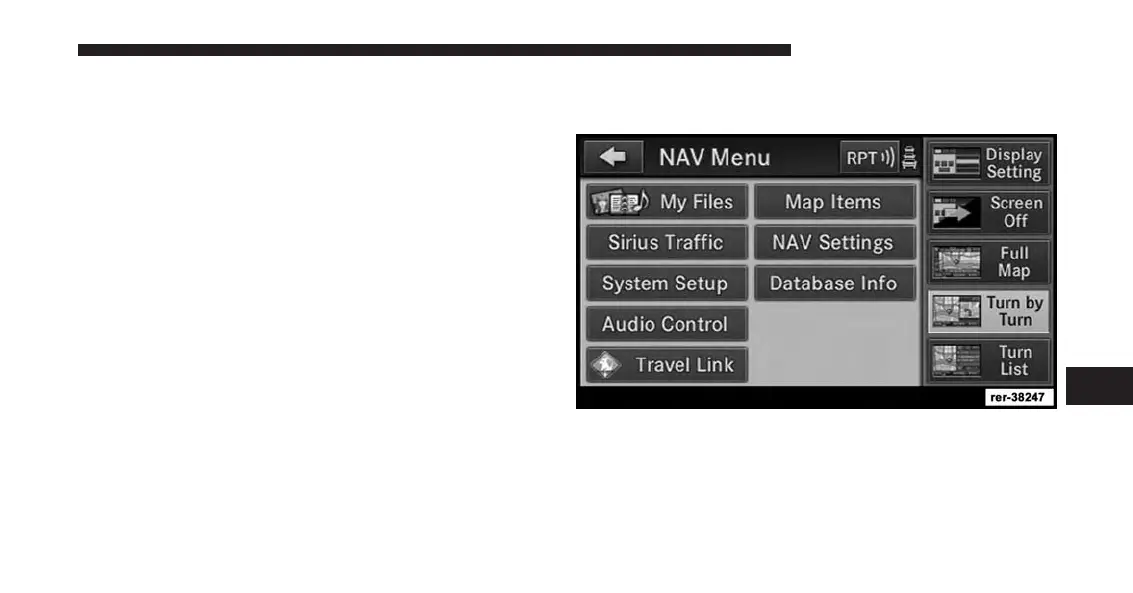
1. Touch Menu to access one of the menus.
2. Touch My Files for the Manage My Files screen.
7
Uconnect® GPS Navigation 207



 To Next Page