Touch the Turn by Turn soft-key to display turn arrows
and intersection zooms on the right half of the screen.
Touch the Turn List soft-key to display a list of upcoming
turns on the right half of the screen.
NOTE:
Touch the Map View soft-key in any Radio Menu
screen to enable the map view mode, where the navi-
gation map or turn-by-turn navigation can be displayed
on the right half of the radio screen (see Display
Settings for more information).
Map Items
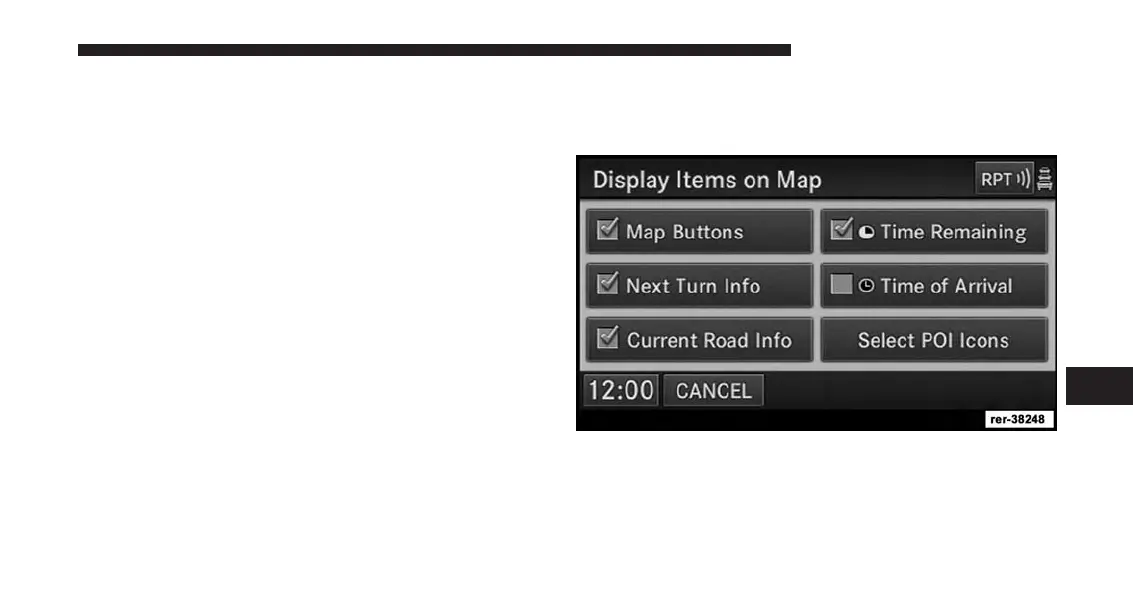
Press the Map Items soft-key in the NAV Menu to access
the Display Items on Map menu.
• Touch the Map Buttons soft-key to show or hide the
Zoom, Map Heading, 2D/3D View and the Button
Minimize soft-key.
7
Uconnect® GPS Navigation 175



 To Next Page