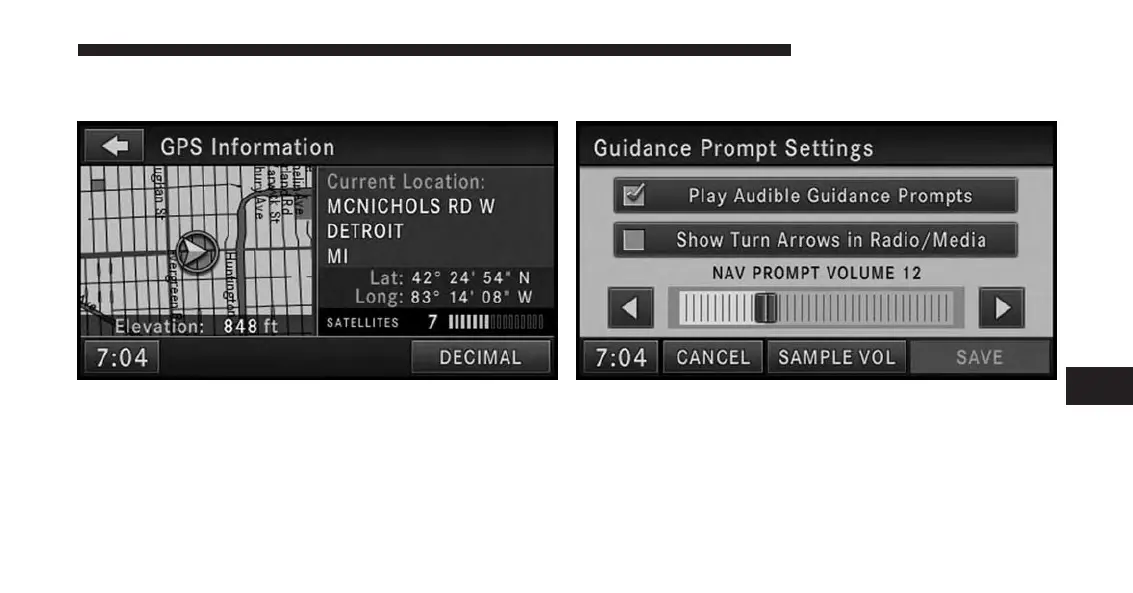
GPS Information
The GPS Information menu displays Current Location,
Coordinates in degrees, minutes and seconds (touch the
DECIMAL soft-key to switch to Decimal degrees), num-
ber of used satellites, a map of the calculated position,
and elevation.
Press the NAV hard-key to exit to the NAV - Main Menu.
Guidance Prompts
Select and adjust the navigation guidance prompts in this
menu.
Touch the SAMPLE VOL soft-key to listen to the current
volume setting.
7
Uconnect® GPS Navigation 191



 To Next Page