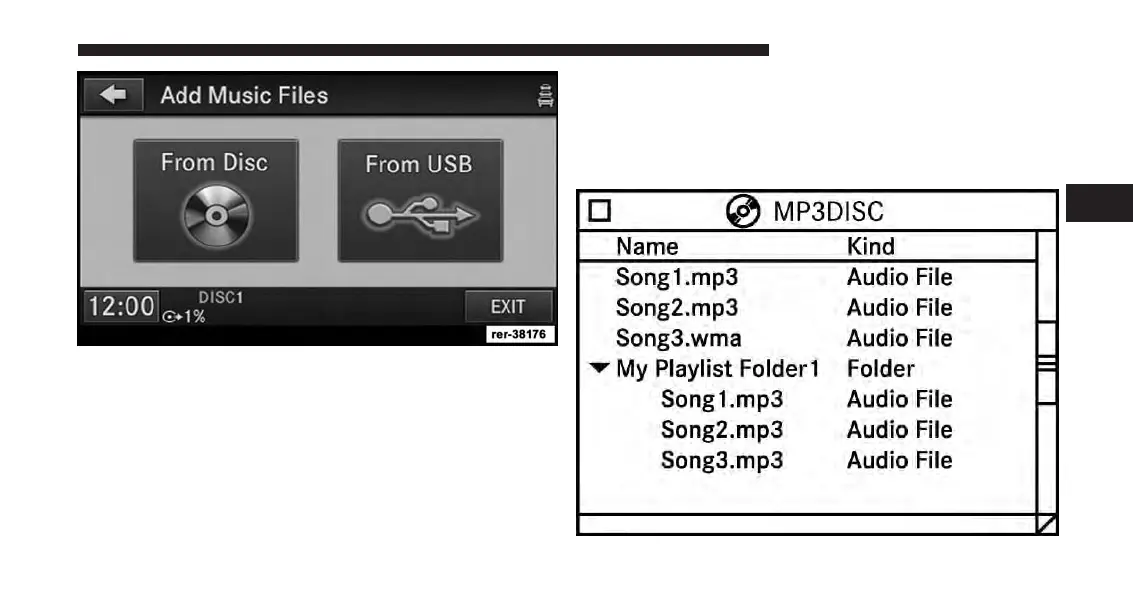
The copy progress is shown in the display.
It is possible to listen to radio modes during this process.
Copying time is greater than 5x the normal playback rate.
NOTE:
When copying CD Audio to HDD, audio files are
converted from CD Audio to WMA. DVD-Audio can-
not be copied to the HDD.
Copy WMA/MP3 Files To Hard-Drive
You can copy MP3 and WMA formatted compressed
audio files from a disc or via USB (e.g., USB stick).
It is recommended to sort music files into folders.
3
Uconnect® Multimedia (MEDIA) 73



 To Next Page