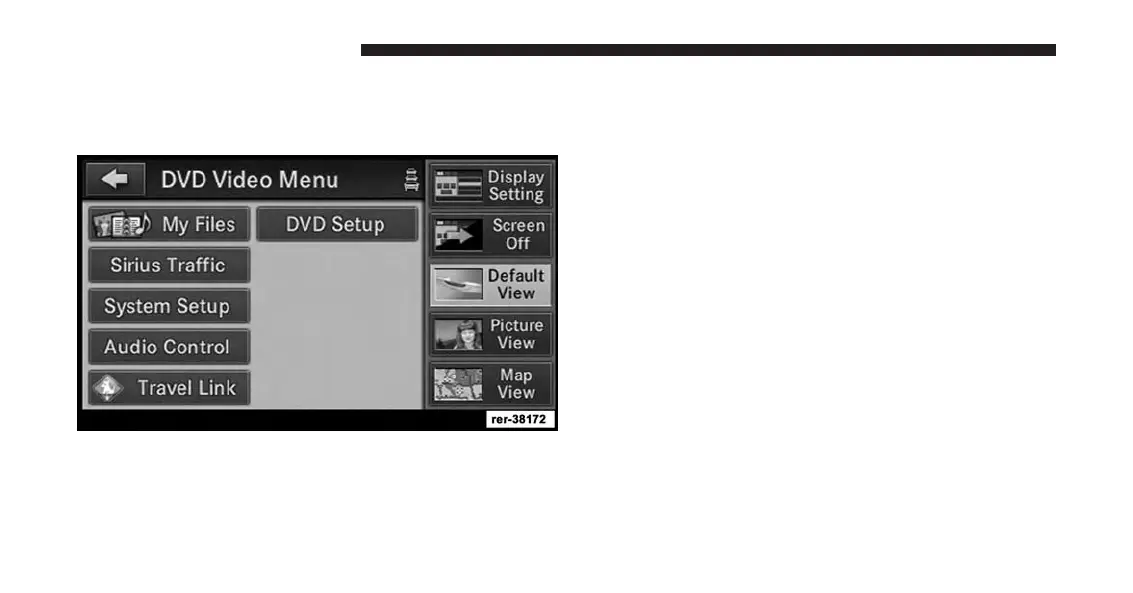
DVD Video Menu
While in disc mode with a DVD inserted, press the
MENU hard-key to access the DVD Video Menu.
Touch the DVD Setup soft-key to access the DVD Setup
menu.
In the DVD Setup menu you may select Menu Language,
Audio Language, Subtitle, Camera Angle, Aspect Ratio,
and Brightness settings by pressing the corresponding
soft-key. Some of the soft-keys are disabled if the inserted
disc does not support the functionality.
Disc Skipping
Skipping is typically caused by a damaged (scratched)
disc. This will result in a ten second jump forward until
the damaged area is passed.
Temperature Protection
If the temperature of the disc reader during operation
becomes too high, a popup message will inform the user
of an over temperature situation. The unit switches to
radio mode until the disc reader temperature has
dropped to a normal level.
70 Uconnect® Multimedia (MEDIA)



 To Next Page