NOTE:
Some categories may be disabled while the vehicle is in
motion.
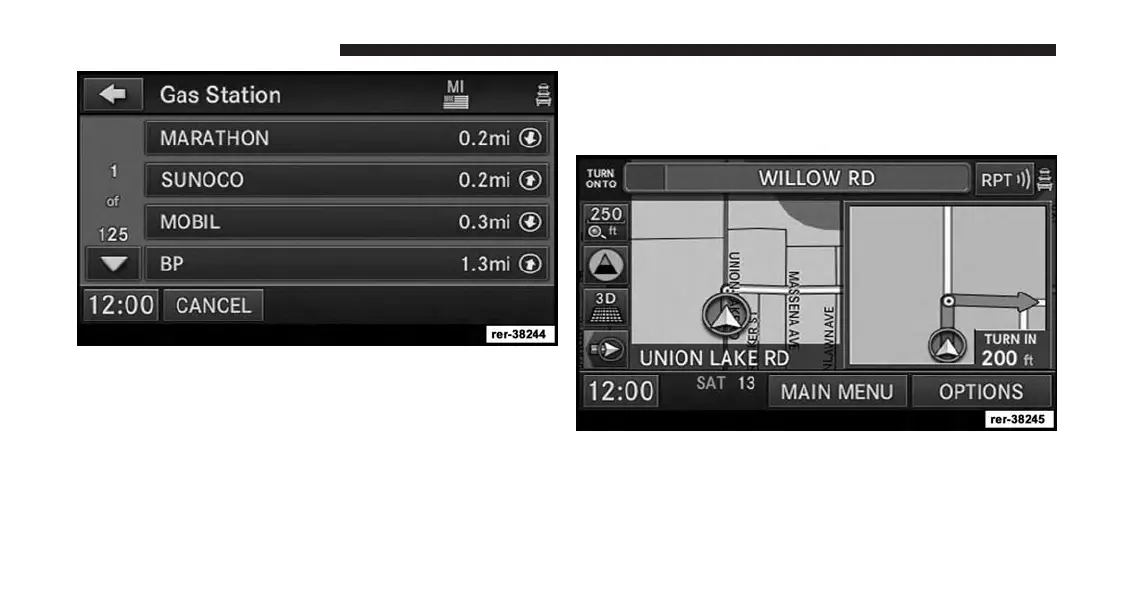
The POI list shows the POI address, the distance to the POI
(direct aerial distance), and a directional arrow.
3.
Select one of the Gas Stations from the list and confirm
your route by touching the GO soft-key in the confirma-
tion screen.
POI Nearby Destination
For this example we will continue by entering a gas
station close to the currently entered destination.
1. While the system is in guidance mode, touch the
OPTIONS soft-key.
148 Uconnect® GPS Navigation



 To Next Page