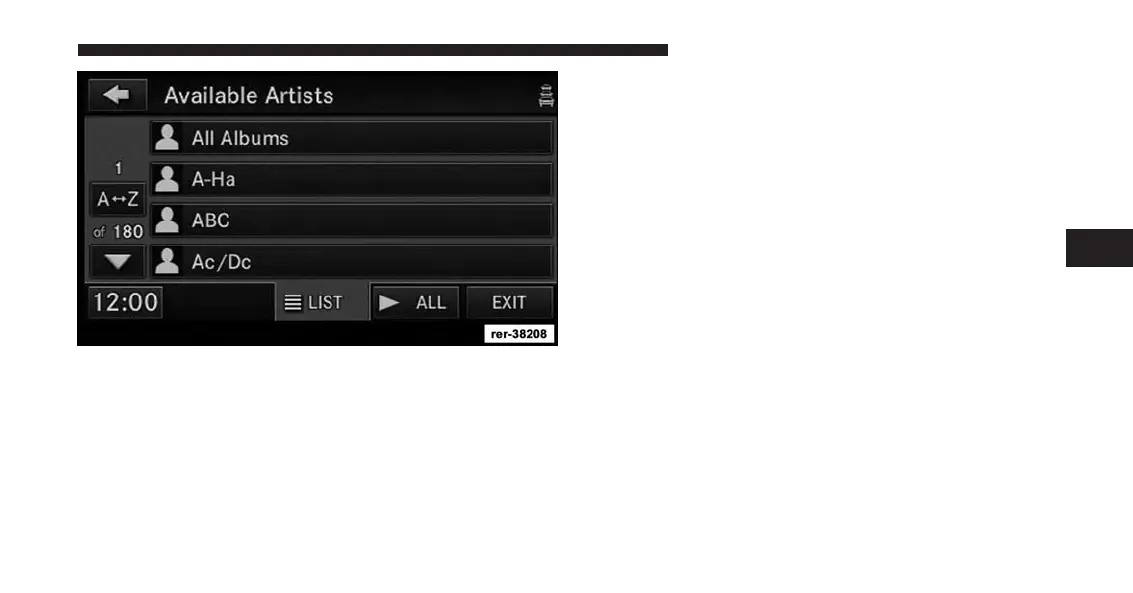
Touch a soft-key with the desired artist’s name to play
songs from this artist.
Touch the ALL soft-key to play songs from all available
artists.
Touch the PAGE UP or PAGE DOWN soft-key to navi-
gate through the list of artists.
iPod® Or Smart Player Devices
Different generations of players will support different
levels of features (Scan, FF, RW, Play/Pause, etc.). For
devices that do not support these features, the radio will
not display the soft keys.
Please refer to the following websites for updates on sup-
ported devices and features: www.UconnectPhone.com.
4
Uconnect® Multimedia (REMOTE DEVICES) 101



 To Next Page