Music recognition technology and related data are pro-
vided by Gracenote®. Gracenote® is the industry stan-
dard in music recognition technology and related content
delivery. For more information visit www.gracenote.com.
Copying Complete Disc To Hard-Drive
Read about copying selective songs in the Hard Disk
Drive section of this manual.
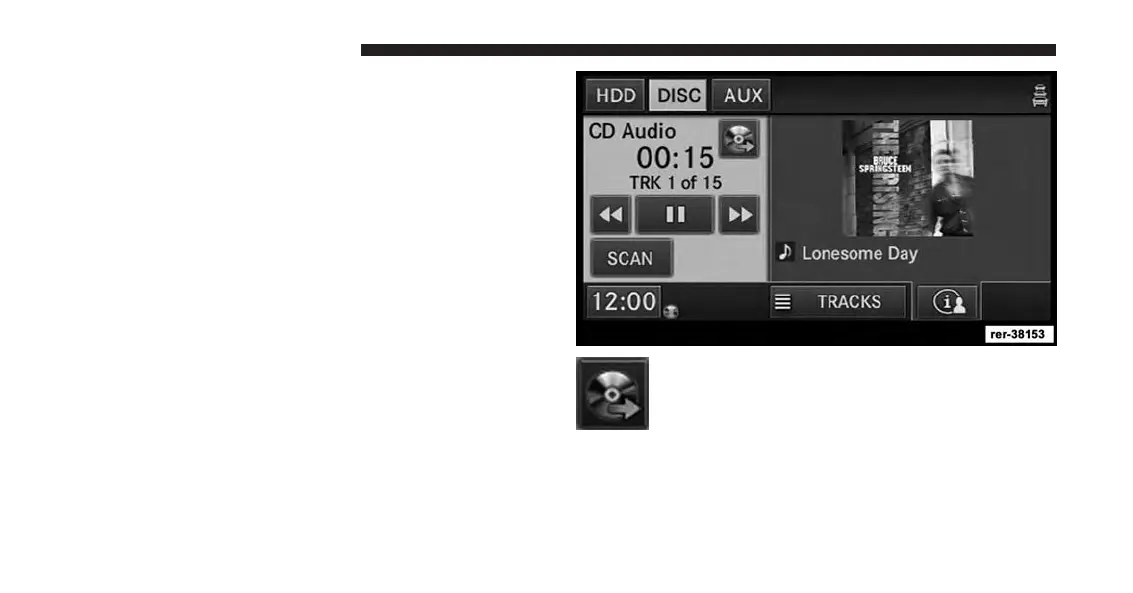
Insert an Audio-CD or a disc with MP3 or WMA files.
Touch the COPY soft-key to start the copy
process.
The copy progress is shown in the display. It is possible
to listen to radio modes during this process. Copying
time is greater than 5x the normal playback rate.
64 Uconnect® Multimedia (MEDIA)



 To Next Page