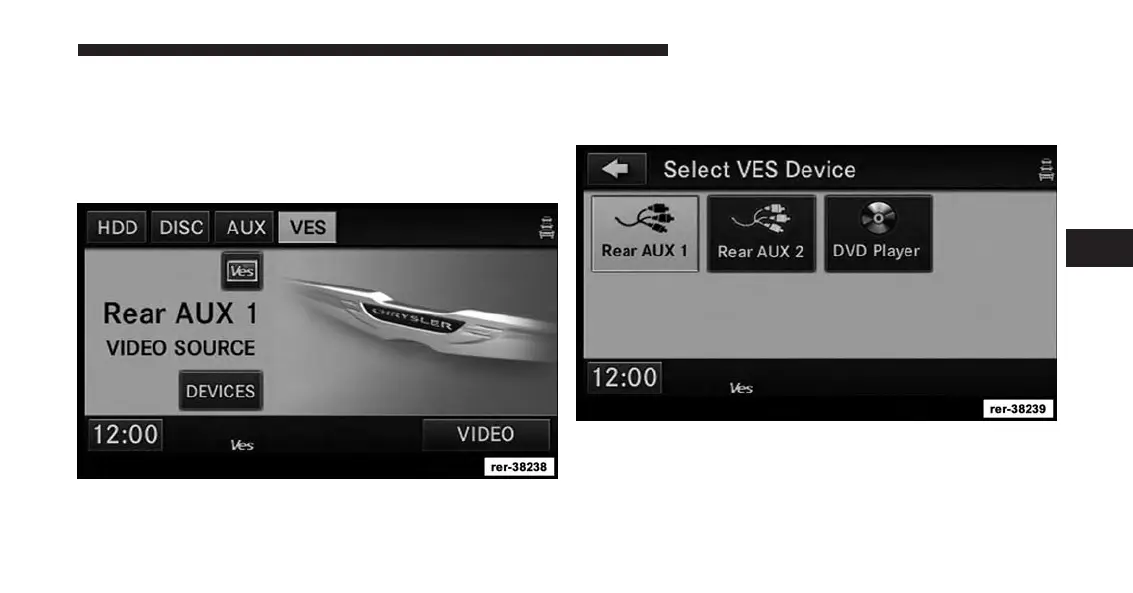
Receiving Audio/Video From The Ves™
You can play audio from the VES™ through the vehicle’s
speaker system. If you have a VES™ with a video player,
you can also see the video on the radios display if the
vehicle is parked.
The VES tab becomes available after the VES™ system is
turned on. Touch the VES MODES soft-key to select the
VES™ audio source.
Touch the soft-key with the desired source to play in the
vehicle cabin.
4
Uconnect® Multimedia (REMOTE DEVICES) 109



 To Next Page