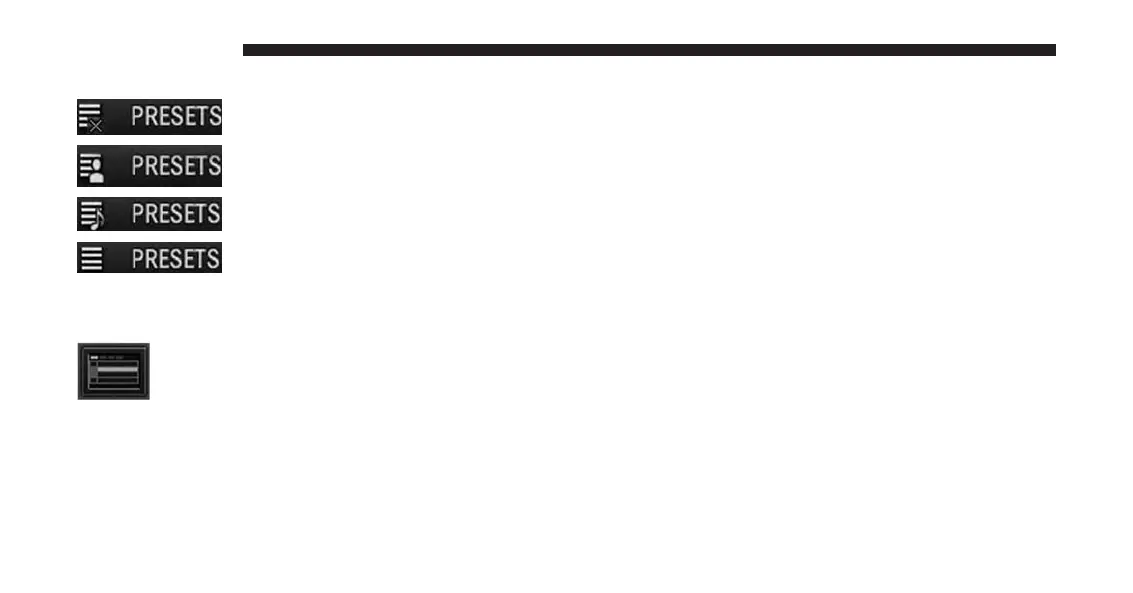
You can use the PRESETS soft-key to toggle between:
To turn the preset list off.
To turn the preset artist list on.
To turn the preset song title list on.
To turn the preset station list on.
You can use the PAGE Up and Down soft-keys to scroll
through the list of presets.
You can use the FULLSCREEN soft-key to
toggle between fullscreen and splitscreen
mode. Long preset names are displayed in
fullscreen mode.
Connect Bluetooth® Devices
NOTE:
Visit www.DriveUconnect.com for a list of compatible
phones/devices.
1. Press the MENU hard-key on the right side of the
radio.
2. Touch the System Setup soft-key to enter the System
Setup menu.
20 INTRODUCTION



 To Next Page