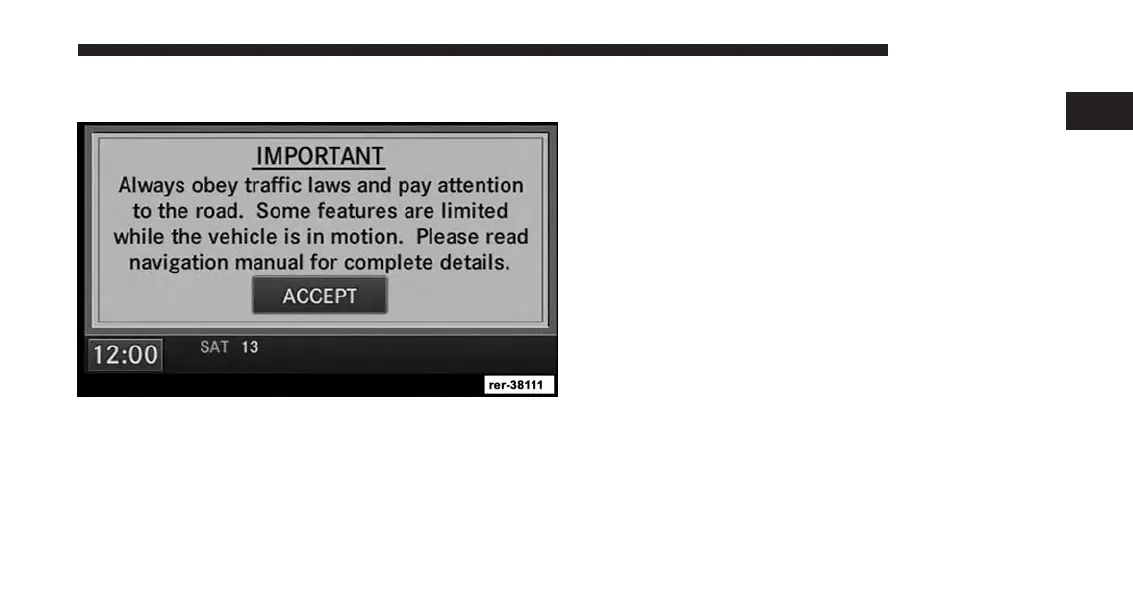
Disclaimer For Navigation Radio
Before using the navigation radio read and accept the
disclaimer. The disclaimer will be activated after the
ignition is turned on.
Change The Language
The navigation radio will conform to the vehicle lan-
guage set in the Electronic Vehicle Information Center
(EVIC), if equipped.
If you change the language in the navigation radio, the
system will change the language for all display informa-
tion.
To change the language with the navigation radio:
1. Press the MENU hard-key on the right side of the
radio.
2. Press the System Setup soft-key to get to the System
Setup menu.
1
INTRODUCTION 17



 To Next Page