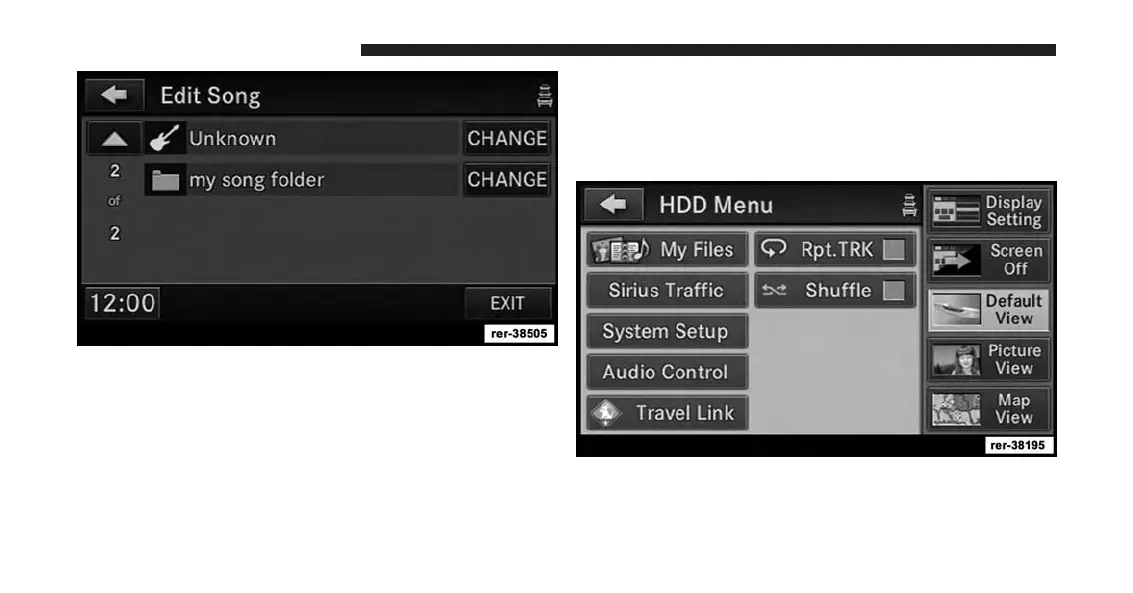
6. The song is now assigned to the new folder. Touch the
EXIT soft-key to switch back to the HDD screen.
Managing Playlists On The Hard Disk Drive
(Folders)
1. While in the HDD mode, press the MENU hard-key to
access the HDD Menu.
2. Touch the My Files soft-key.
88 Uconnect® Multimedia (MEDIA)



 To Next Page