Touch the soft-key with the desired list item to select and
play the item.
Touch the HIDE TRACKS soft-key to hide the list.
Touch the SEARCH/BROWSE soft-key to browse by
categories.
NOTE:
•
Depending on the amount of songs and on the
performance of the digital player device, it may
take some time before the SEARCH/BROWSE
soft-key is displayed.
•
USB sticks or any other external storage device
(hard drives) do not support the Search/Browse
feature.
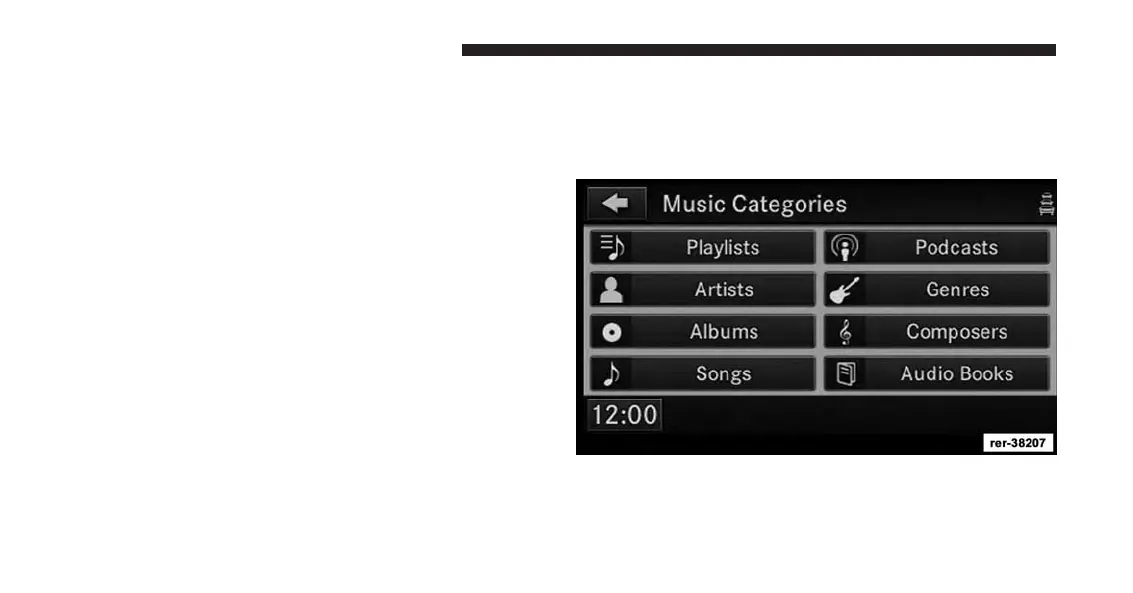
Select An iPod® Category
The iPod® can sort the files by playlists, by song names,
by artists, by composers, by genres, by albums, by
podcasts or by audio books.
Touch the Artists soft-key for this example.
100 Uconnect® Multimedia (REMOTE DEVICES)



 To Next Page