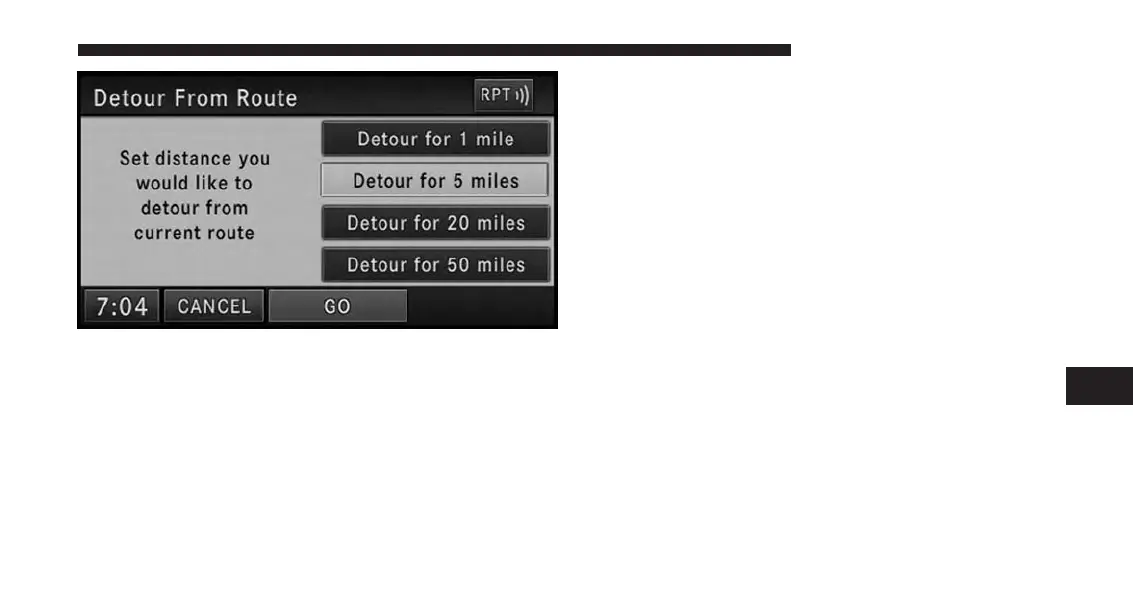
Select a distance and touch the GO soft-key to confirm.
The navigation will avoid the roads in the turn list for the
selected distance and calculate an alternate route.
Press the Find Nearby POI soft-key to search for a local
POI.
Press Save Destination soft-key to save the destination
address.
Navigation Default Settings
Touch the NAV Settings soft-key in the Navigation - Main
Menu to select the preferred measurement, set default
routing method, view GPS information, and adjust guid-
ance prompt volume.
7
Uconnect® GPS Navigation 189



 To Next Page