NOTE:
• I
f the displayed address is not the desired ad-
dress, you can either touch the BACK soft-key in
the upper left corner of the screen to step back to
the previous screens, press the NAV hard-key to
start over from the NAV - Main Menu, or touch
CANCEL to cancel the destination input.
•
Pressing the Option soft key while in the Confirm
Screen will also allow you to select alternative
routes. You will have an option to choose 1 of 2
quickest routes or 1 of 2 shortest routes (depend-
ing on the route method currently selected).
6. Touch the GO soft-key to activate the route guidance.
To read more about the OPTIONS soft-key in this
menu, see the NAV Options section of this manual.
Destination Input By Intersection
For this example we will continue by entering the follow-
ing intersection: Kaufman Ln and Bridwell Dr, in Louis-
ville, Kentucky.
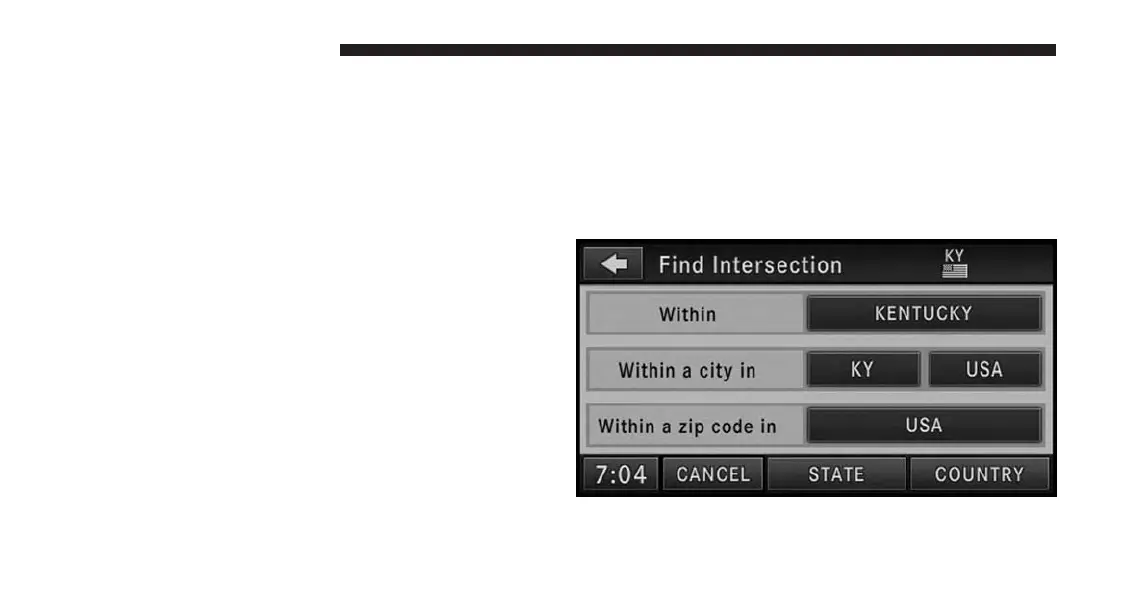
1. From the Destination Entry menu touch the Intersec-
tion soft-key to get to the Find Intersection menu.
158 Uconnect® GPS Navigation



 To Next Page