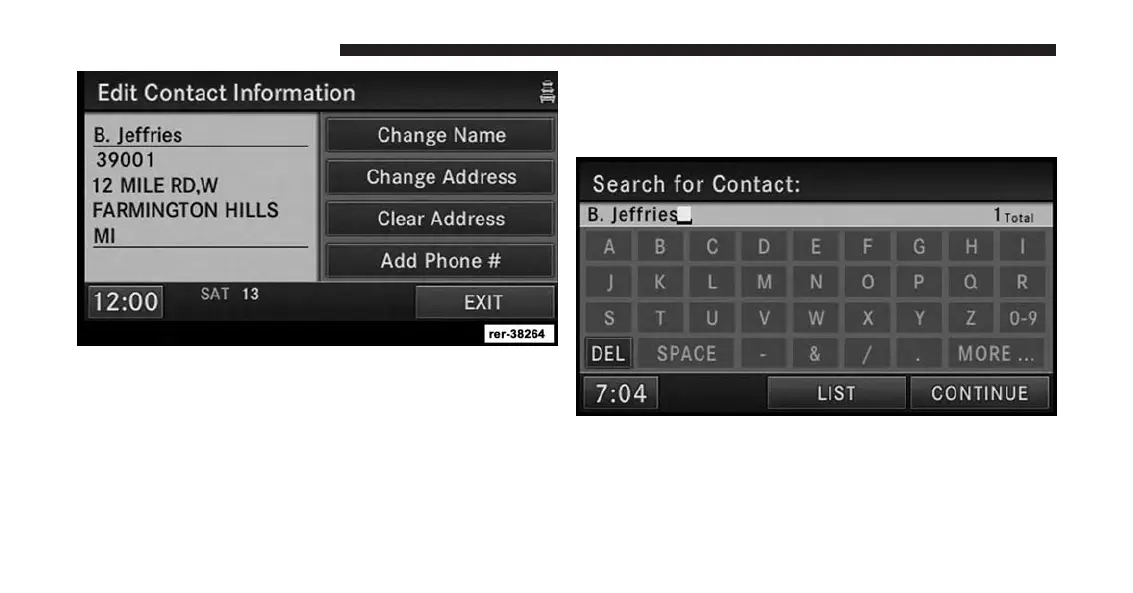
In addition, you may enter a phone number by pressing
the Add Phone # soft-key.
11. Touch the EXIT soft-key after all available informa-
tion has been entered.
Search A Contact In The Address Book
1. Touch the SEARCH soft-key in the Address Book
menu.
2. Enter a contact name.
3. Touch either LIST or CONTINUE.
212 Uconnect® GPS Navigation



 To Next Page