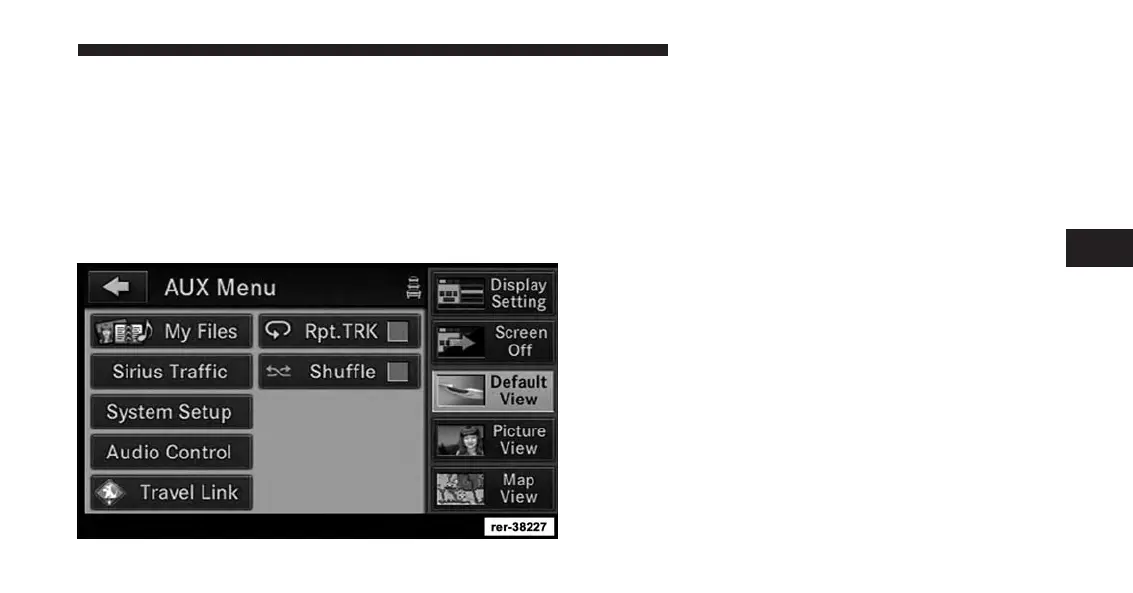
iPod® Menu
While in iPod® mode, press the MENU hard-key to
access the iPod® mode Menu.
NOTE:
For shuffle/repeat, settings will reflect current setting
of device being accessed but can be changed accord-
ingly via the radio touchscreen.
Random Playback
The random playback function plays random tracks from
the iPod® device. Touch the Shuffle soft-key to switch the
random play function on or off.
A red check mark indicates the random play function is
active.
Repeat Track
The repeat track function repeats the currently played
track. Touch the Rpt. TRK soft-key to switch the repeat
track function on or off.
A red check mark indicates the repeat track function is
active.
4
Uconnect® Multimedia (REMOTE DEVICES) 105



 To Next Page