Touch the ADD soft-key to confirm the stop over desti-
nation.
NOTE:
Once you reach a destination, the system will automati-
cally guide you to the next destination on the list.
To review the destination list, touch the OPTIONS soft-
key in the Route Guidance screen and touch the VIEW
DESTINATIONS soft-key.
To show the destinations information touch the Desired
Destinations soft-key.
Touch the EXIT soft-key to exit the Destination Info
menu.
Trip Planner
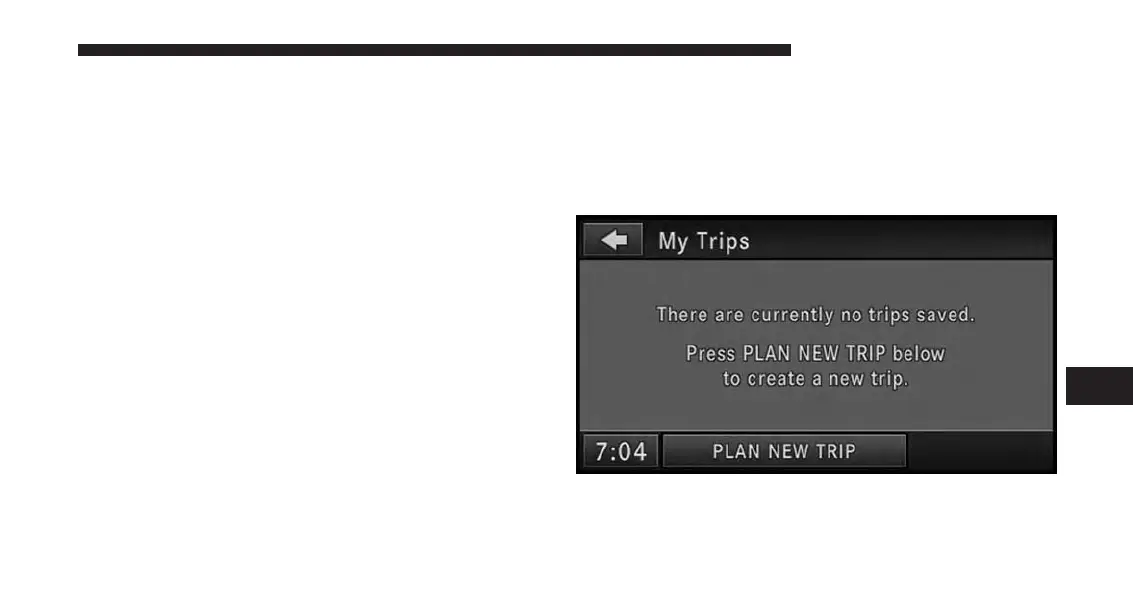
If you are traveling to multiple destinations, the My Trip
function will allow you to calculate and save the route to
each destination.
1.
Touch the My Trips soft-key in the NAV - Main Menu.
2. Touch the PLAN NEW TRIP soft-key to start a new
trip.
7
Uconnect® GPS Navigation 195



 To Next Page