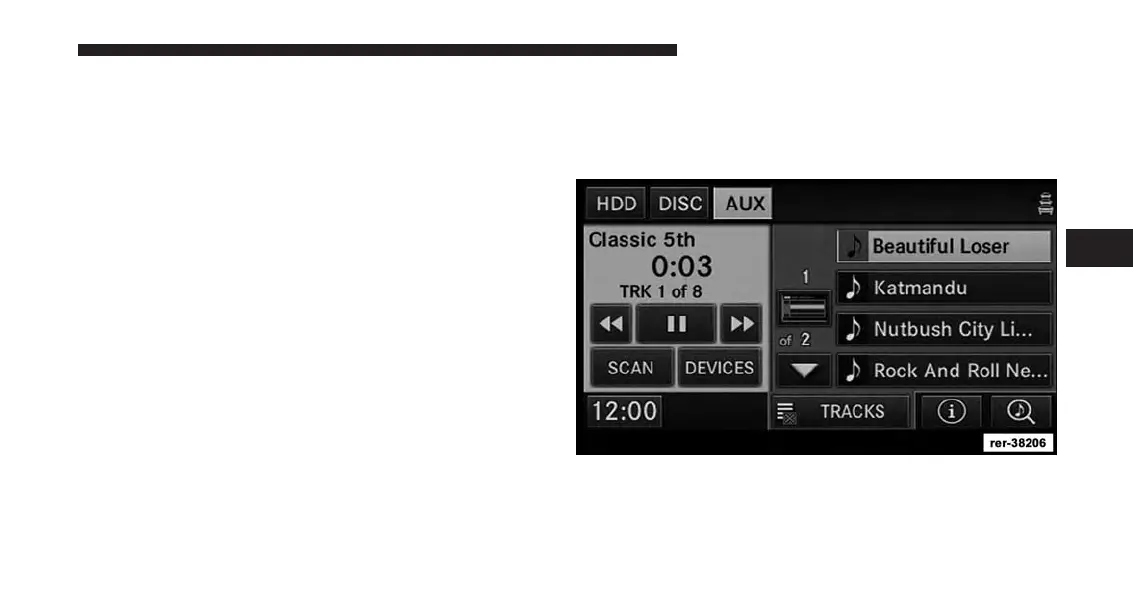
AUX Mode (If Equipped)
The AUX mode gives you access to the audio files on an
external digital player device. It functions as a remote
control for the currently connected mobile digital device,
and you can play audio from the device through the
vehicles speaker system. Before using the AUX mode, you
will need to connect your device to the USB connector.
NOTE:
It is recommended that you use the latest available
software for your digital device. See device manufac-
turer website for updates.
Playing Audio Files From The Mobile Digital
Player Device
You can play songs directly from the device. For this
example we used an iPod®.
Touch the TRACKS soft-key to display a list view.
4
Uconnect® Multimedia (REMOTE DEVICES) 99



 To Next Page