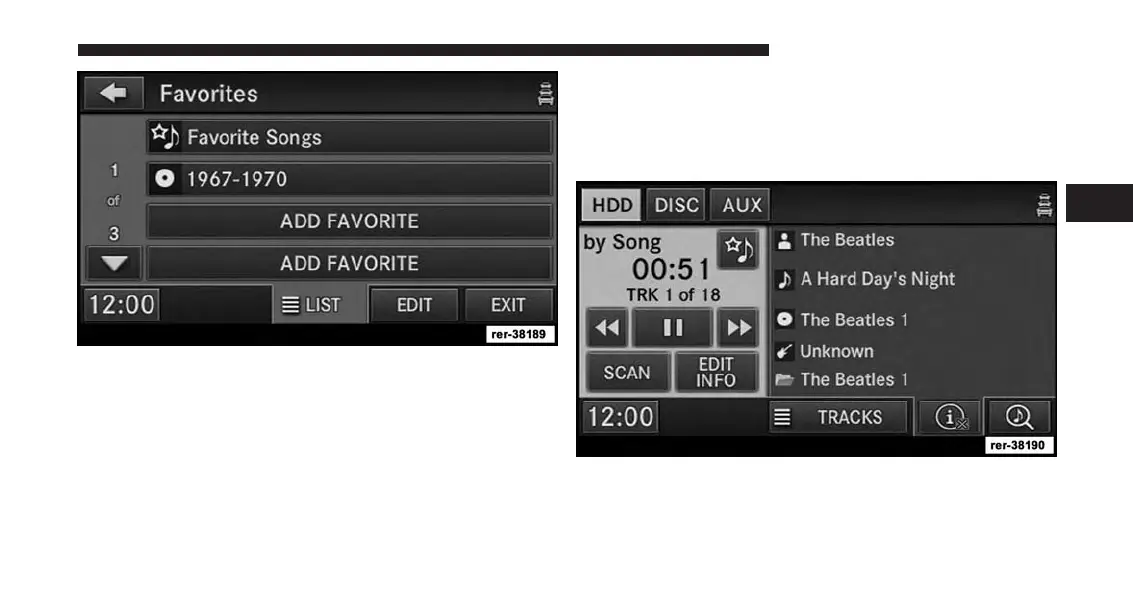
A link to the selected Album is now saved in the Favorite
Playlists list.
You may save up to 12 favorites.
NOTE:
The link to the favorite playlist will be removed after a
playlist was removed from the My Playlists menu. Refer to
Editing Playlists on the Hard Disk Drive in this manual.
You may now edit the list by touching the EDIT soft-key,
or exit the list by touching the EXIT soft-key.
Editing Track Info On The Hard Disk Drive
1. While in the HDD mode, touch the EDIT INFO
soft-key.
3
Uconnect® Multimedia (MEDIA) 85



 To Next Page