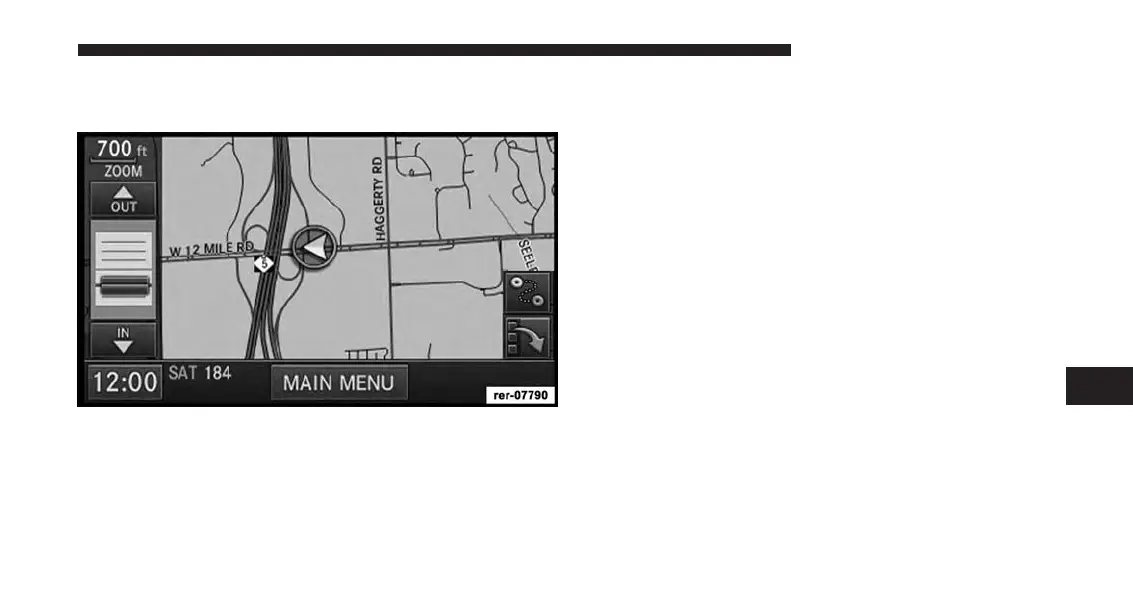
Map Zoom Level
Press the Zoom soft-key to change the zoom level.
Touch the slider or the IN and OUT soft-keys to change
the zoom level. Roads with lower functional classification
are not shown in higher zoom levels. (E.g. residential
streets, lightly-traveled county roads.)
Map Orientation
Touch the soft-key with the compass arrow to toggle
between a map oriented to the North, or oriented parallel
to the vehicle heading.
NOTE:
Map orientation to the North is not available in 3D
mode.
3D Map Viewer
Touch the soft-key with the 2D/3D symbol to toggle
between 2D or 3D map views.
Minimize Buttons
Touch the Minimize Button on the lower right of the map
to hide/show all the other buttons on the map.
7
Uconnect® GPS Navigation 193



 To Next Page