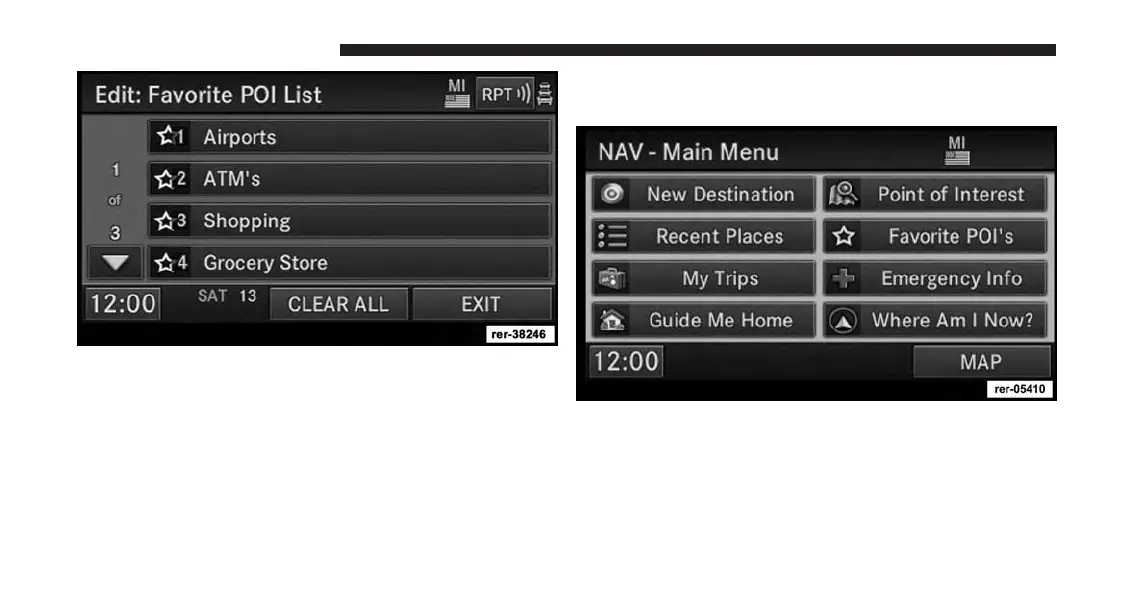
Select CLEAR ALL to delete all categories from the list.
Edit a category soft-key by touching the soft-key with the
category you would like to edit. If you select Clear in the
next screen the soft-key will be removed from the list. If
you select Move, you may change the position of the
soft-key in the list.
Destination Input
Press the NAV hard-key to access the NAV Main Menu.
Touch the New Destination soft-key to get to the Desti-
nation Input Screen
NOTE:
Once you start the destination input you can touch the
CANCEL soft-key to cancel the destination input process.
152 Uconnect® GPS Navigation



 To Next Page