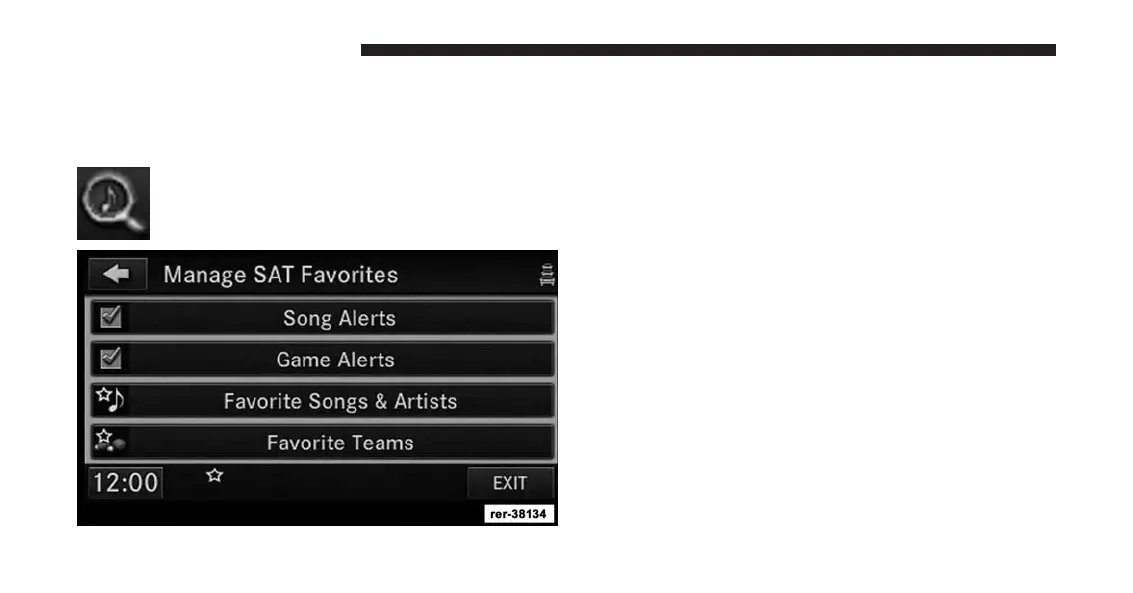
Touch the SETUP soft-key to manage the SAT Favorites
settings.
Manage SAT Favorites
Touch the SEARCH/BROWSE soft-key, select
Favorites from the SAT Browse screen.
The checkmarks in the Song Alerts and Game Alerts
soft-key indicate active alerts. Touch the corresponding
Alert soft-key to disable either all Song Alerts or all Game
Alerts.
Touch the Favorite Songs & Artists soft-key to manage
individual songs and artists.
Select the SONGS soft-key to display the favorite songs,
and select the ARTISTS soft-key to show the favorite
artists.
The checkmark in the soft-key marks enabled favorites.
Touch the desired soft-key to de-activate the favorite, or
touch a corresponding DELETE soft-key to delete the
favorite from the list.
38 Uconnect® Multimedia (RADIO)



 To Next Page