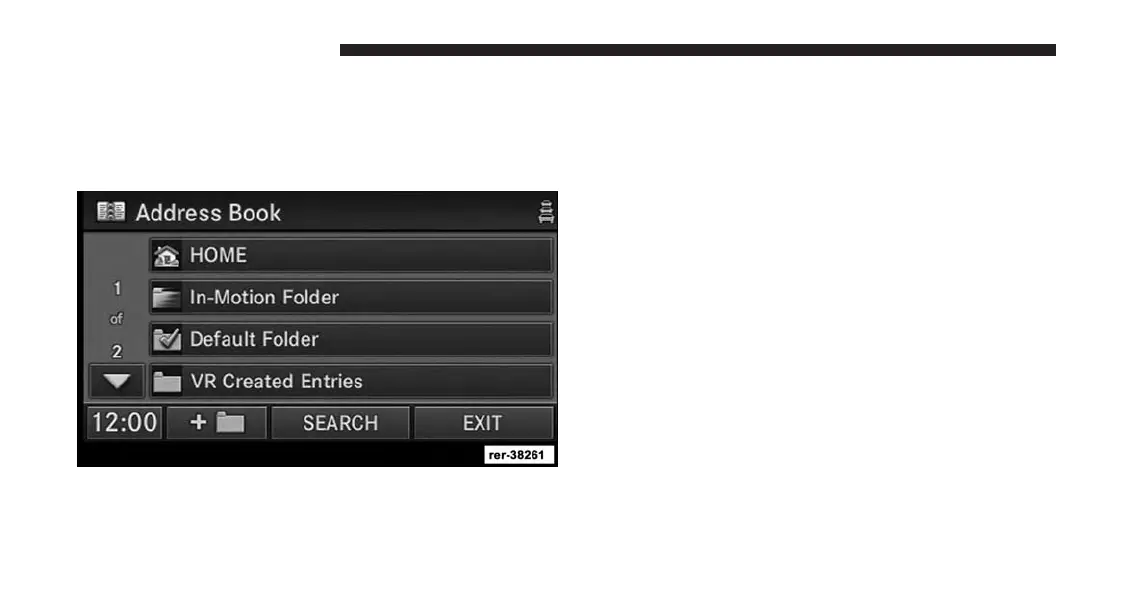
Address Book
Overview
The address book provides a way to organize and store
frequently used addresses.
The address book is organized in folders.
• The HOME folder contains only your home address.
Touch this folder soft-key to edit your home address.
You may route to this address by touching the Guide
Me Home soft-key in the NAV - Main Menu.
• The In-Motion Folder contains links to entries in the
other folders. The In-Motion Folder is the only folder
accessible while the vehicle is in motion. This is a
safety feature that limits the availability of certain
navigation tasks while the vehicle is traveling. Touch
the In-Motion Folder soft-key and add links to existing
entries in the Default Folder, Voice Command Created
Entries folder, or any of the personalized folders.
206 Uconnect® GPS Navigation



 To Next Page