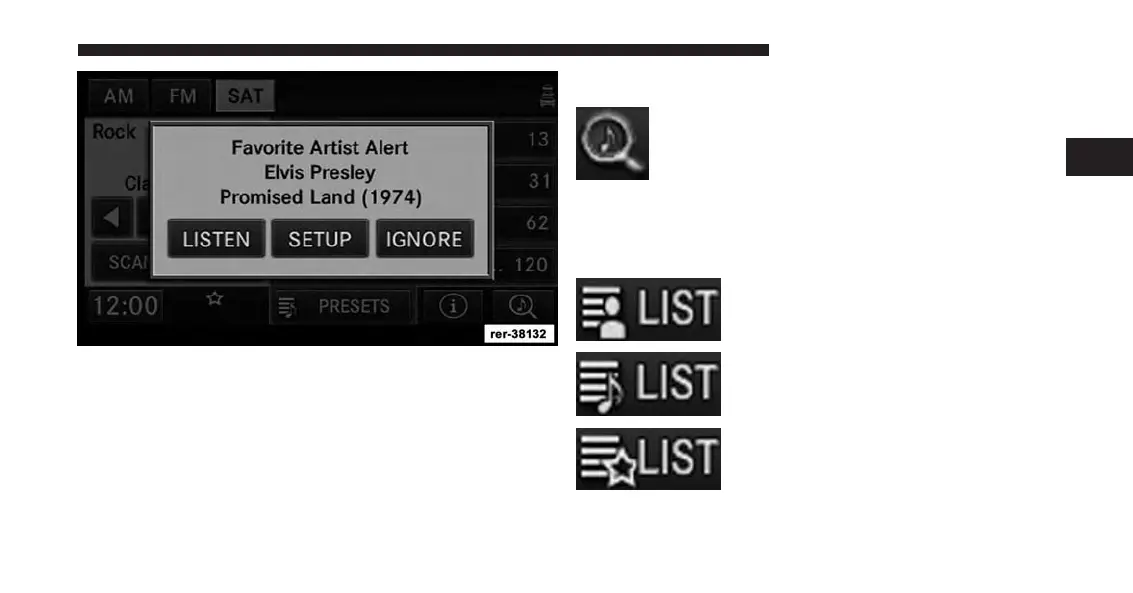
Example: If an Artist Alert is active, the radio displays a
popup message, to inform you that your favorite artist is
playing on one of the channels.
Display SAT Favorites List
Touch the SEARCH/BROWSE soft-key and
select Favorites from the SAT Browse screen.
Touch the desired favorites soft-key to switch the SAT
tuner to the corresponding channel.
You may use the LIST soft-key to toggle between:
To show a list of currently playing
favorite artists.
To show a list of currently playing
favorite songs.
To show a list of currently playing
favorites as they were initially saved.
2
Uconnect® Multimedia (RADIO) 37



 To Next Page