SiriusXM Travel Link
Select Travel Link to access SiriusXM Travel Link ser-
vices. (see SiriusXM Travel Link for more information).
Parental Lockout
Select Parental Lockout to enable and/or disable desired
channels. The SEEK and SCAN function will then only
display channels without parental lockout.
Re-Subscribe To SiriusXM Satellite Radio
New vehicle purchasers or lessees will receive a one year
subscription to SiriusXM Satellite Radio and SiriusXM
Traffic on properly equipped vehicles. Following the
expiration of the one year service, it will be necessary to
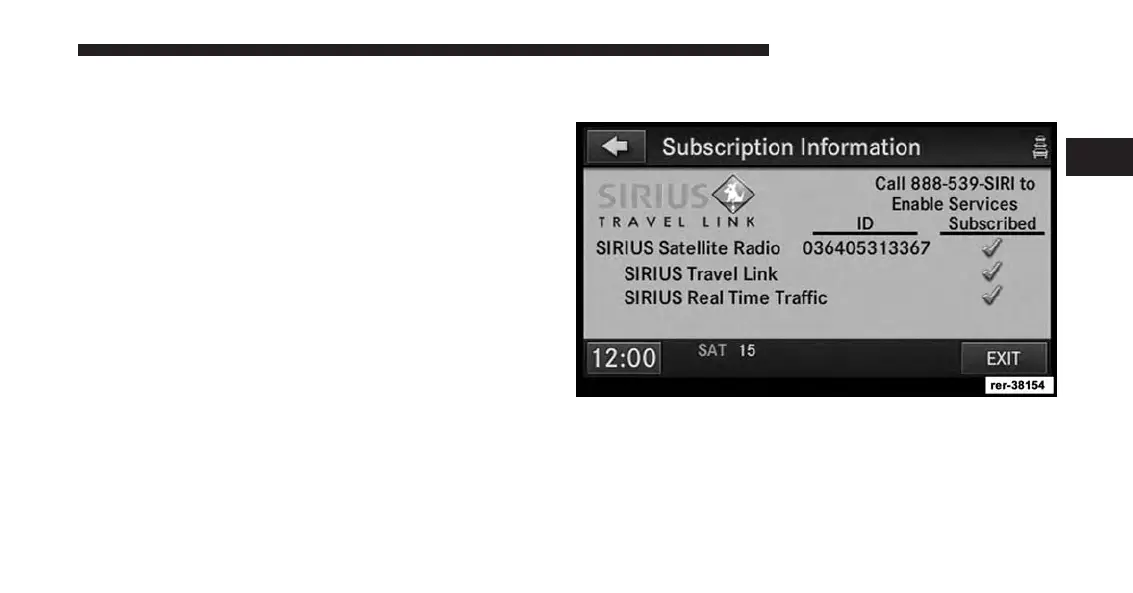
access the information on the Subscription Information
Screen to re-subscribe.
Touch the Subscription soft-key to access the Subscrip-
tion Information screen.
Write down the SiriusXM ID numbers for your receiver.
To reactivate your service either call the number listed on
the screen or visit the provider online.
2
Uconnect® Multimedia (RADIO) 53



 To Next Page