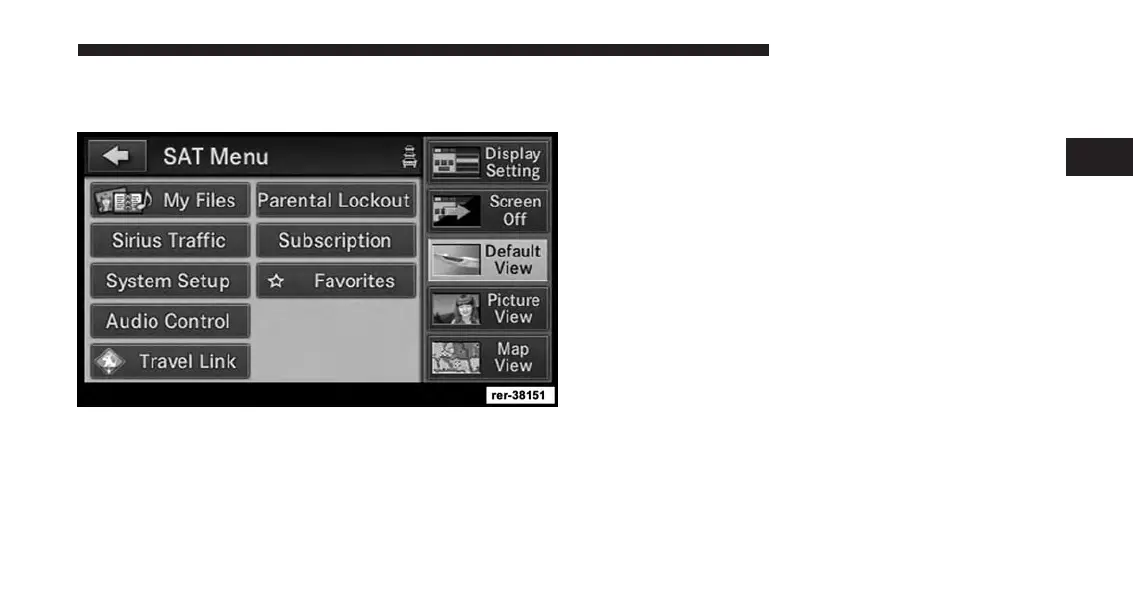
View Settings
Press the MENU hard-key to display a radio menu.
Touch the Default View soft-key to enable the default
view mode, where the vehicle brand logo is displayed in
the right half of the screen.
Touch the Picture View soft-key to enable the picture
view mode, where a picture can be displayed on the right
half of the radio screen. Refer to the Hard Disk Drive
section of this manual for a detailed example.
Touch the Map View soft-key to enable the map view
mode.
In Map View mode the navigation map or turn-by-turn
navigation can be displayed on the right half of the radio
screen (see Navigation View Settings for more informa-
tion).
2
Uconnect® Multimedia (RADIO) 55



 To Next Page