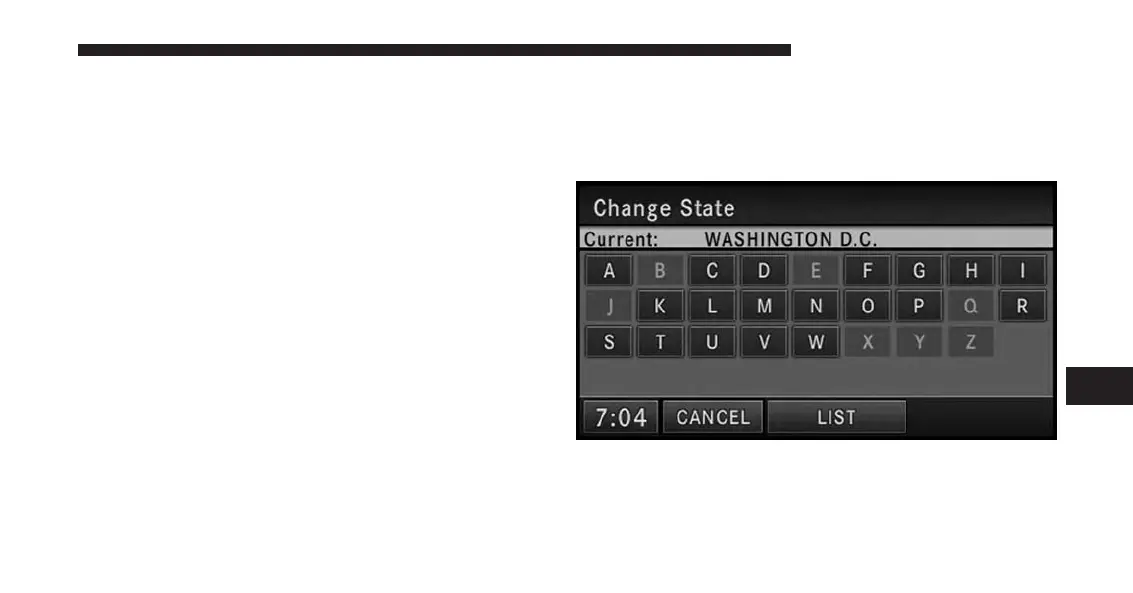
Changing State/Province And/Or Country
If your destination is not in the displayed state and/or
country, either enter a city name by touching the USA
soft-key in the second row, or the ZIP code (if known), by
touching the USA soft-key in the third row of the screen.
You can change the state/province and/or country tem-
porarily for the current destination input by touching the
STATE, PROVINCE, or COUNTRY soft-key in this menu.
NOTE:
•
A pop-up will appear asking whether or not you
would like the new state, province, or country to
be the default.
•
It is recommended to change the default state
and/or default country, if you plan to enter more
than one destination in the destination area (e.g.,
vacation, business travel, etc.).
1. If the COUNTRY is not set to USA, touch COUNTRY,
and touch the USA soft-key for this example.
2. For this example touch STATE and change the state to
Washington D.C.
Enter W into the speller and select WASHINGTON D.C.,
DC from the list. Once selected, a CHANGE soft-key will
appear in the lower right corner of the screen. Touch
CHANGE to confirm your selection.
7
Uconnect® GPS Navigation 155



 To Next Page