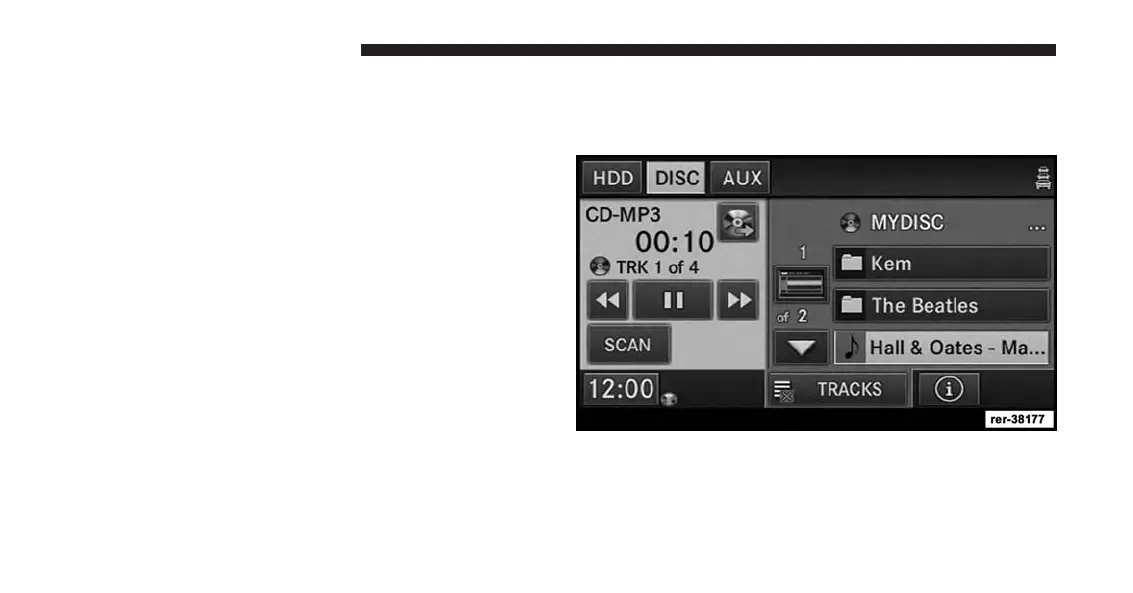
Songs located in the root level (top level) of the disc or
USB device are displayed in a folder named Disc (or the
physical disc name) for disc media or USB for USB stick.
Once the songs are copied, the playlist will be named
Disc_Playlist (for Disc) or USB_Playlist (for USB stick).
For the example above the list on the HDD will show the
following:
<Disc Name>
• Song 1.mp3 (First song in Playlist 1)
• Song 2.mp3 (Second song in Playlist 1)
• Song 3.wma (Third song in Playlist 1)
Disc_Playlist
• Song 1.mp3 (First song in Playlist 2)
• Song 2.mp3 (Second song in Playlist 2)
• Song 3.mp3 (Third song in Playlist 2)
Selective Song Copying From Disc
You can select specific songs on a WMA/MP3 disc using
the following procedure:
1. While in the DISC mode, press the MENU hard-key to
access the Settings menu.
74 Uconnect® Multimedia (MEDIA)



 To Next Page