• A transparent red line indicates an average driving
speed is less than or equal to 20% of the speed as given
by the digital map.
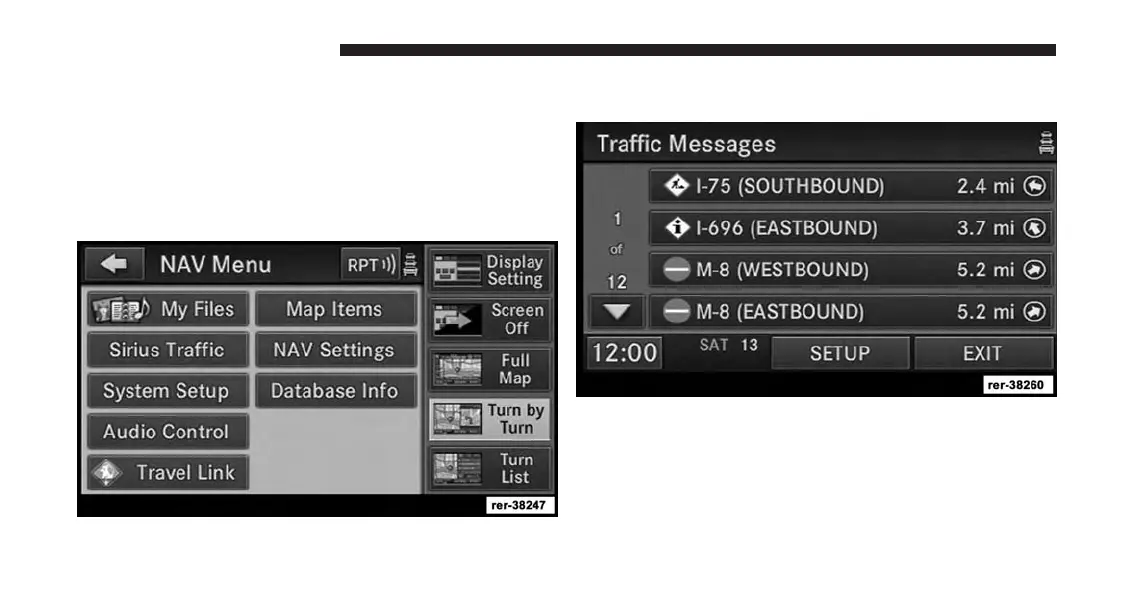
Display Traffic Messages
1. Press the MENU hard-key on the right side of the
radio.
2. Touch the SiriusXM Traffic soft-key to display the
available traffic messages.
The traffic message screen displays traffic messages in a
list form. Data related to traffic flows, incidents and
construction are gathered from traffic monitoring sys-
tems, emergency services, motorists’ calls, etc., and
are processed at a central traffic information center.
202 Uconnect® GPS Navigation



 To Next Page