The information is transferred to the Traffic Information
service provider, who then generates the Traffic messages
that are sent by SiriusXM to the vehicle.
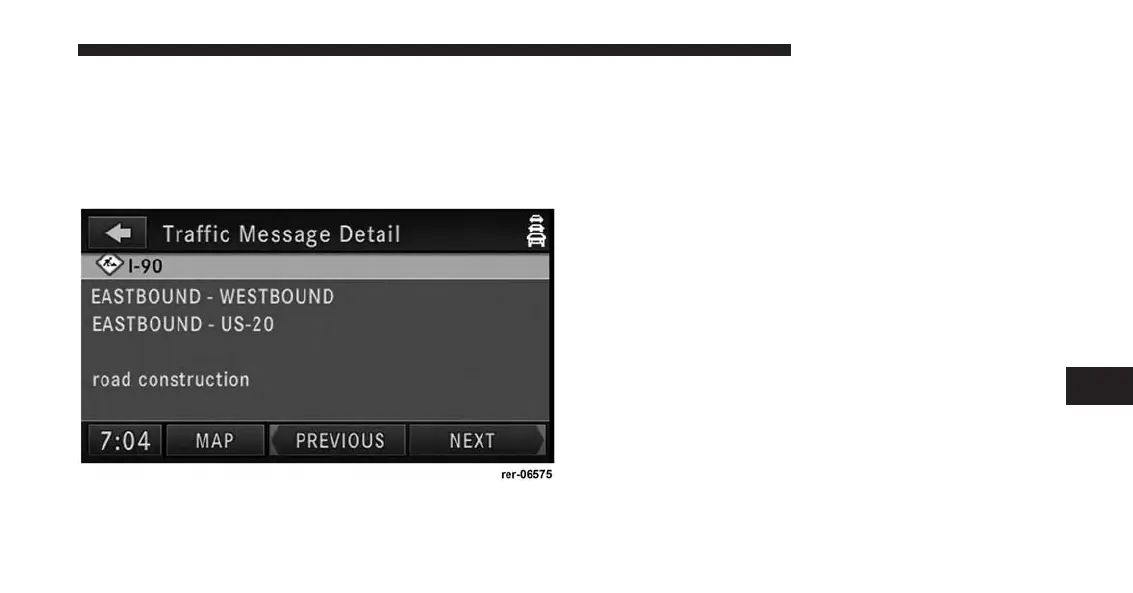
3. Touch one of the soft-keys with a message to view
details.
Touch Map to see the location of a message on a map.
Touch PREVIOUS or NEXT to step through the list of
available messages.
Touch the back soft-key in the upper left corner of the
screen to exit the Traffic Message Detail screen.
7
Uconnect® GPS Navigation 203



 To Next Page