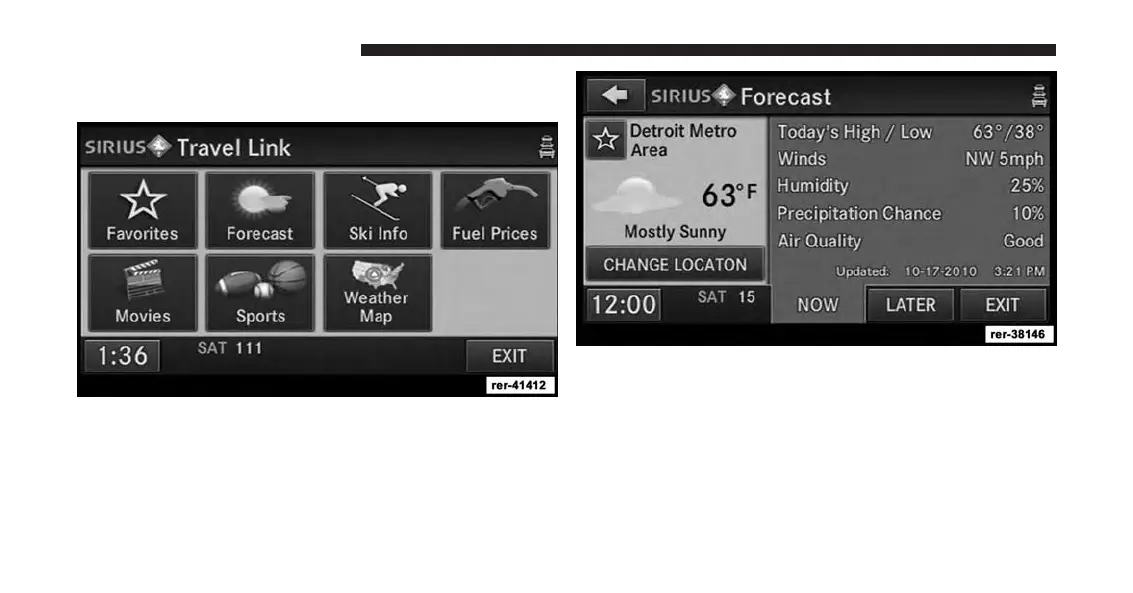
Changing A SiriusXM Travel Link Favorite
For example: Touch the Forecast soft-key in the Travel
Link screen.
Touch the favorite weather station soft-key to make the
current weather station a favorite. The new favorite
weather station replaced the old favorite weather station.
46 Uconnect® Multimedia (RADIO)



 To Next Page