“You have reached your destination.” - The specified
destination has been reached and route guidance is
terminated. The display will switch back after few sec-
onds.
Navigation Options
Options Before Activating The Route Guidance
Before confirming the route with the GO soft-key, it is
possible to select options different from the default route
settings.
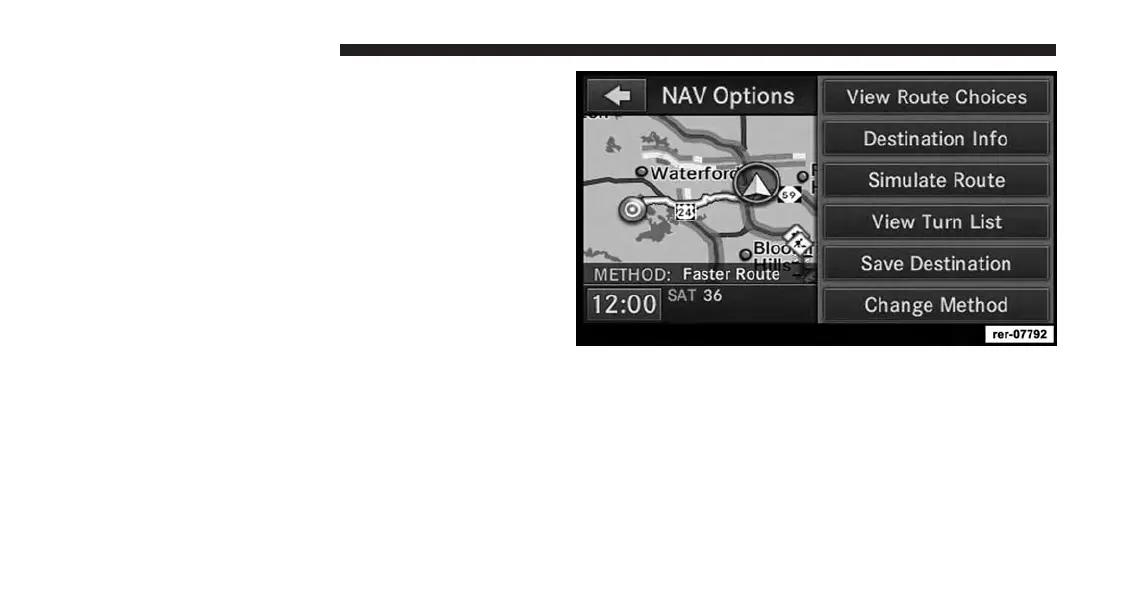
Touch the OPTIONS soft-key in the Confirm Route
screen to get to the NAV Options screen.
Press View Route Choices to view alternate routing.
184 Uconnect® GPS Navigation



 To Next Page