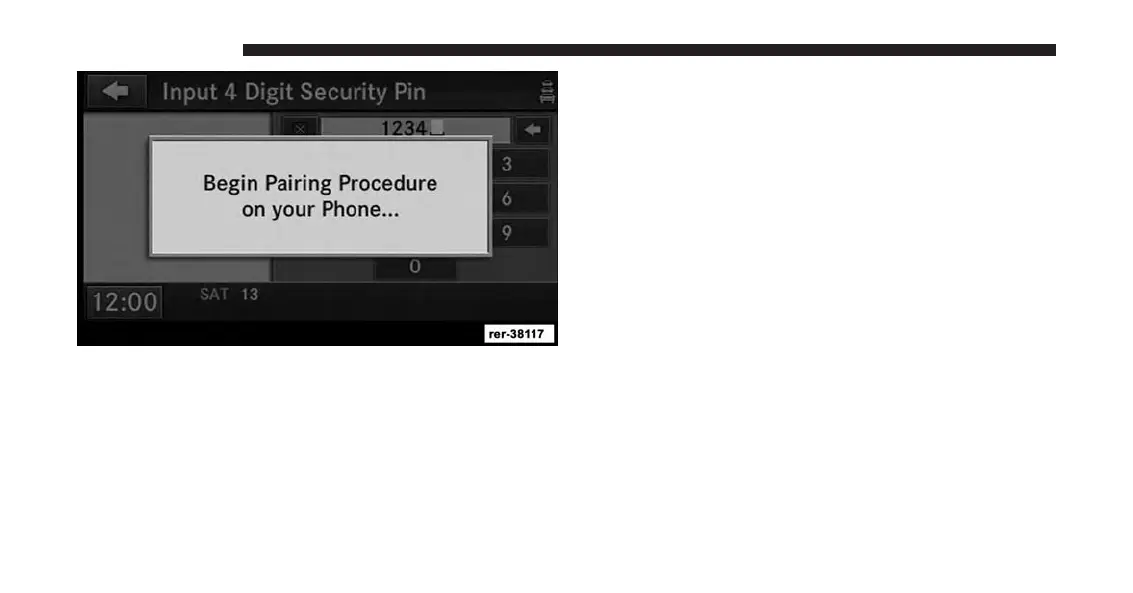
7. You will then be asked to set a priority for the paired
phone. If there is more than one paired phone avail-
able, the navigation radio will try to connect to the
phone with the highest priority setting.
NOTE:
If the phone book download feature is supported by
your cell phone, only the first 1000 contacts will be
automatically copied to the radio. Contacts will be
downloaded from your SIM card first and then copied
from your phones default phone book.
Set Default Country And/Or State
1. Press the NAV hard-key on the right side of the radio.
2. Press the MENU hard-key.
22 INTRODUCTION



 To Next Page