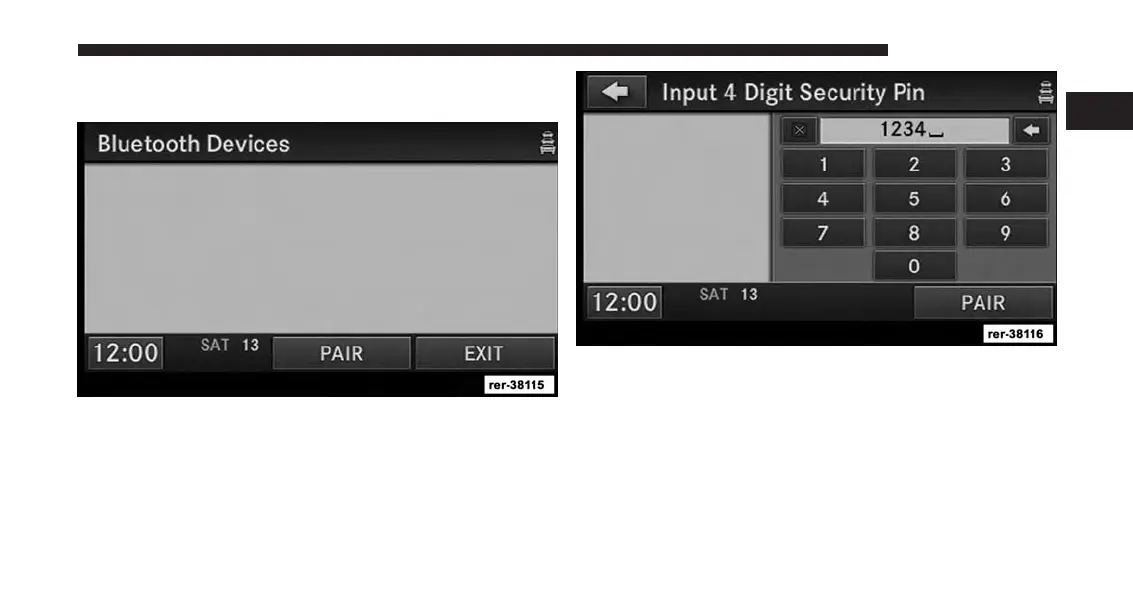
3. Touch the Device Pairing soft-key to access the
Bluetooth® Devices menu.
This menu lists all paired Bluetooth® devices.
4. Press the PAIR soft-key to start a new pairing.
5. Enter any four Digit Security PIN and touch the PAIR
soft-key again.
6. The pairing procedure starts. Refer to the user’s
manual of your Bluetooth® phone to complete the
procedure.
1
INTRODUCTION 21



 To Next Page