POI Local Area
For this example we will continue by entering a gas
station close to the vehicle location.
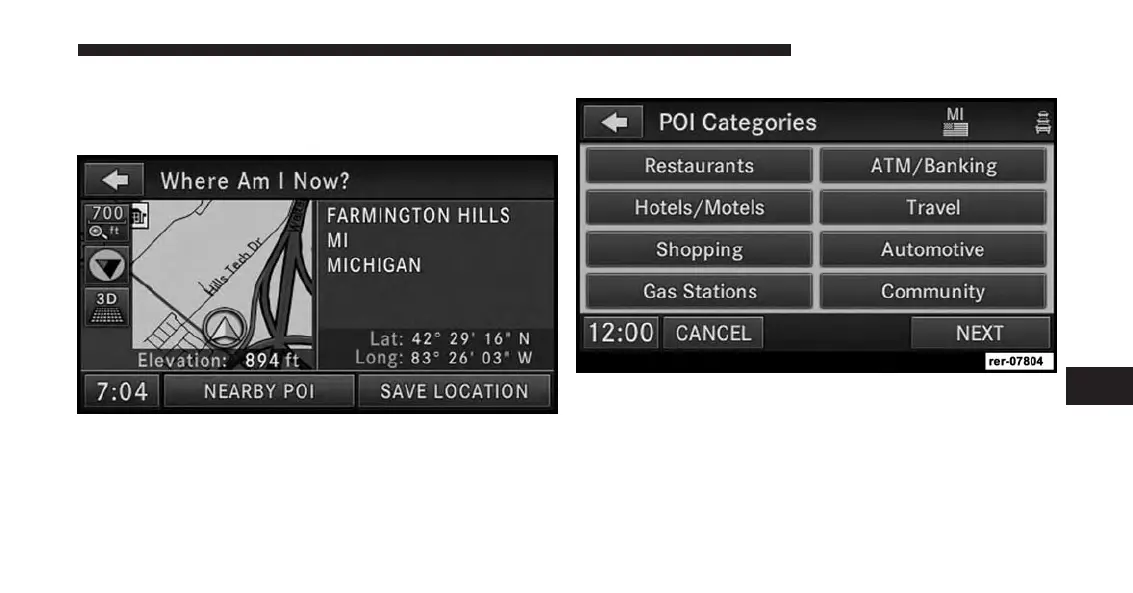
1. While you are in the NAV - Main Menu touch the
Where AM I Now? soft-key. The navigation radio
displays your current location on a map, and the
location information (e.g., latitude, longitude, eleva-
tion, road name, city, state, if available).
2. Touch the NEARBY POI soft-key.
NOTE:
Nearest POI can also be found by simply selecting
“Point of Interest” instead of the “Where Am I Now?”
soft key.
Select a POI category. For this example select Gasoline.
7
Uconnect® GPS Navigation 147



 To Next Page