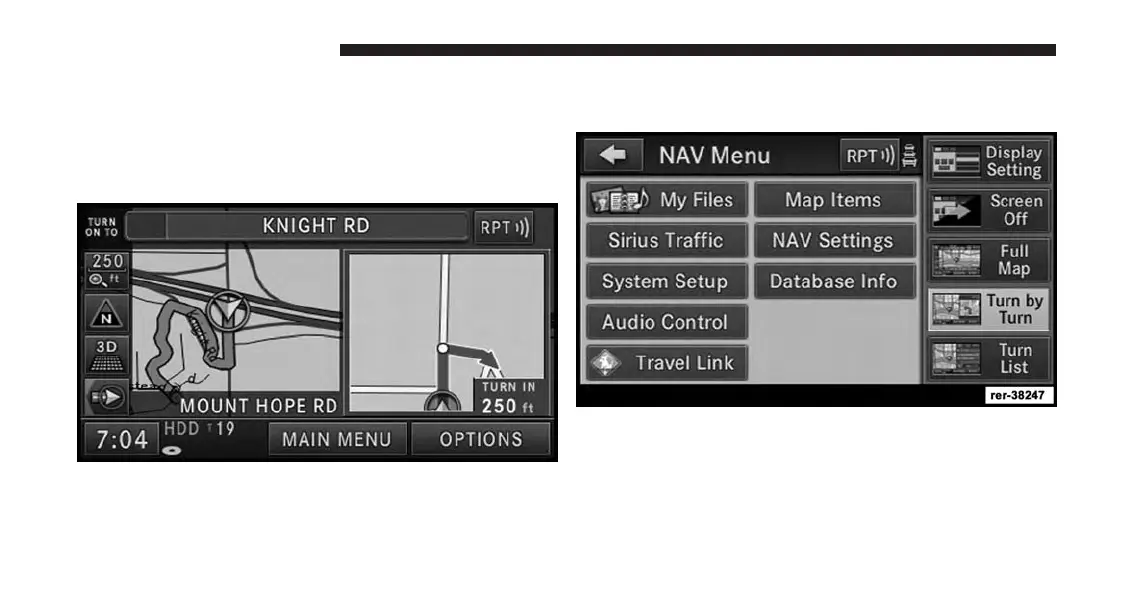
Route Guidance
After starting route guidance, the system calculates the
route and announces: “Follow the arrows on the display.”
You will receive navigation recommendations by voice
messages and screen displays.
Navigation View Settings
Press the MENU hard-key to select the NAV Menu.
Touch the Full Map soft-key to display a full map during
route guidance.
174 Uconnect® GPS Navigation



 To Next Page