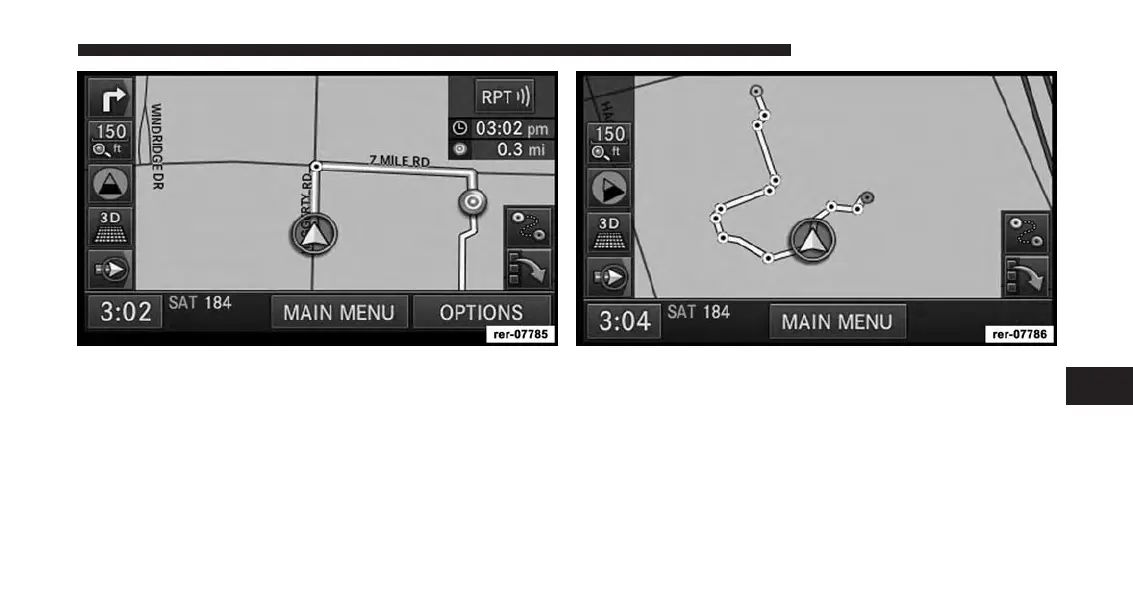
Once you arrive at the destination (green dot, destination
icon), the route guidance will end.
You may now follow the trail on the screen. The trail will
be displayed until you touch the STOP TRAIL soft-key in
the Navigation Main Menu.
7
Uconnect® GPS Navigation 173



 To Next Page