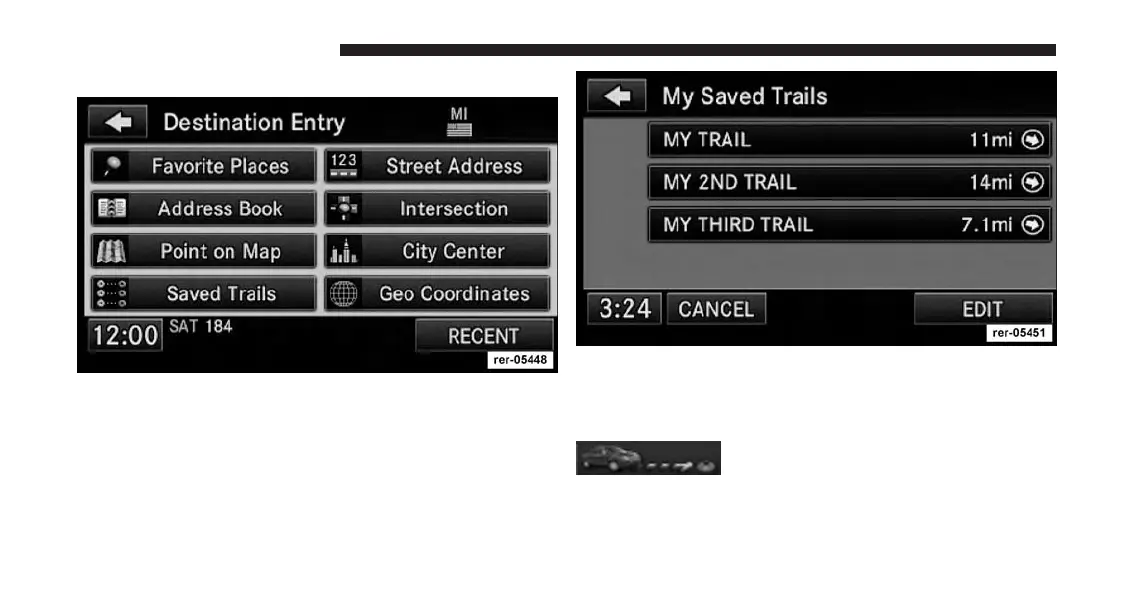
Touch the Saved Trails soft-key.
You may touch the EDIT soft-key to change the trail
name or to delete trails from the My Saved Trails list.
Select the desired trail.
Touch the trail point soft-key to toggle
between the start-point and the end-
point of a trail.
172 Uconnect® GPS Navigation



 To Next Page