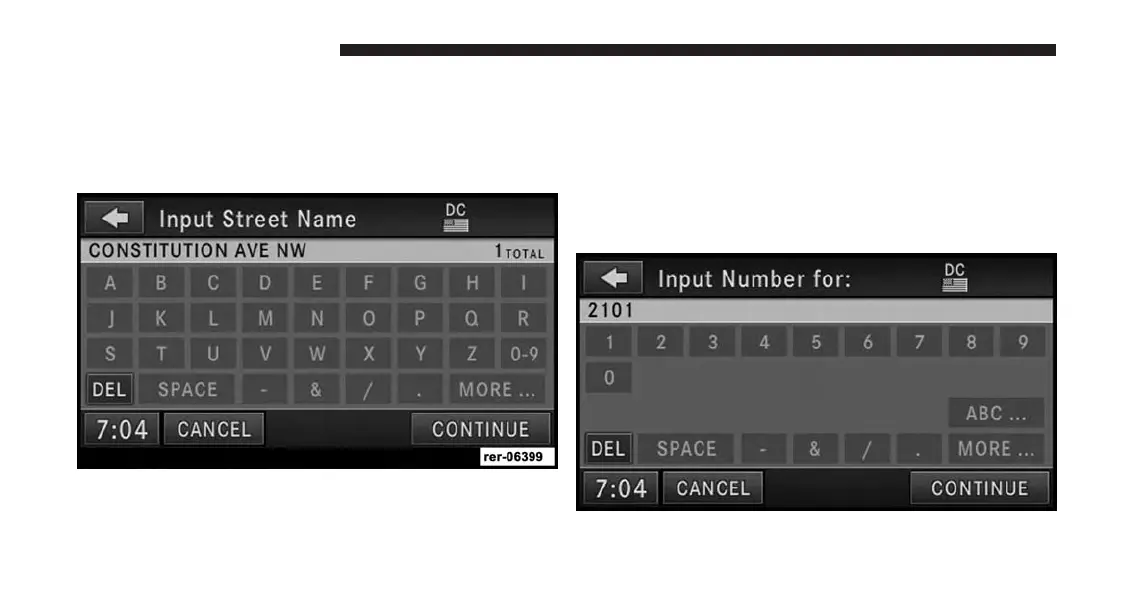
3. Once the country is set to USA and the state is set to
WASHINGTON D.C., touch the WASHINGTON D.C.
soft-key in the first row of the Street Address screen.
This will allow you to input the street name in
Washington D.C.
Touch the C soft-key in the speller, to enter the first letter
of the street name (CONSTITUTION AVE NW). In the
upper right corner the number of possible roads de-
creases.
4. Touch the LIST soft-key to display a list of possible
street names. Select CONSTITUTION AVE NW from
the list to get to the Input Number menu.
156 Uconnect® GPS Navigation



 To Next Page