The speller displays only numbers contained in the
digital map.
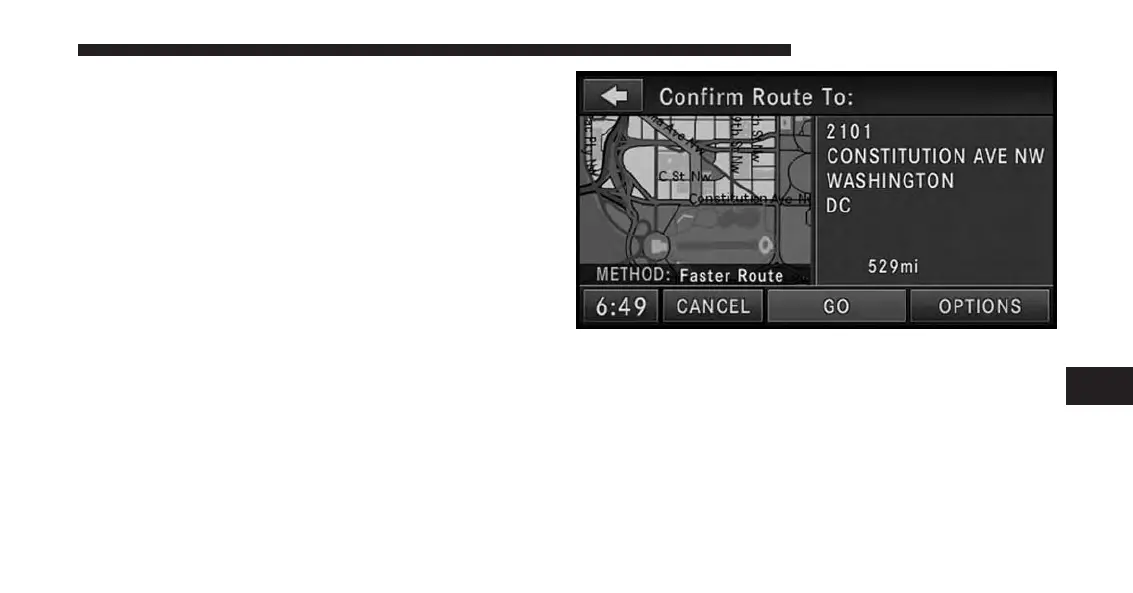
5. In this example we have entered 2101 as the house
number. Touch the CONTINUE soft-key to get to the
Confirm Route screen.
If you touch the CONTINUE soft-key without entering a
number, the navigation system will guide you to a
section of the entered street which is the closest to your
current location.
In the Confirm Route screen the navigation radio dis-
plays the complete address, a map of the destination
area, and the current routing method for you to verify.
7
Uconnect® GPS Navigation 157



 To Next Page