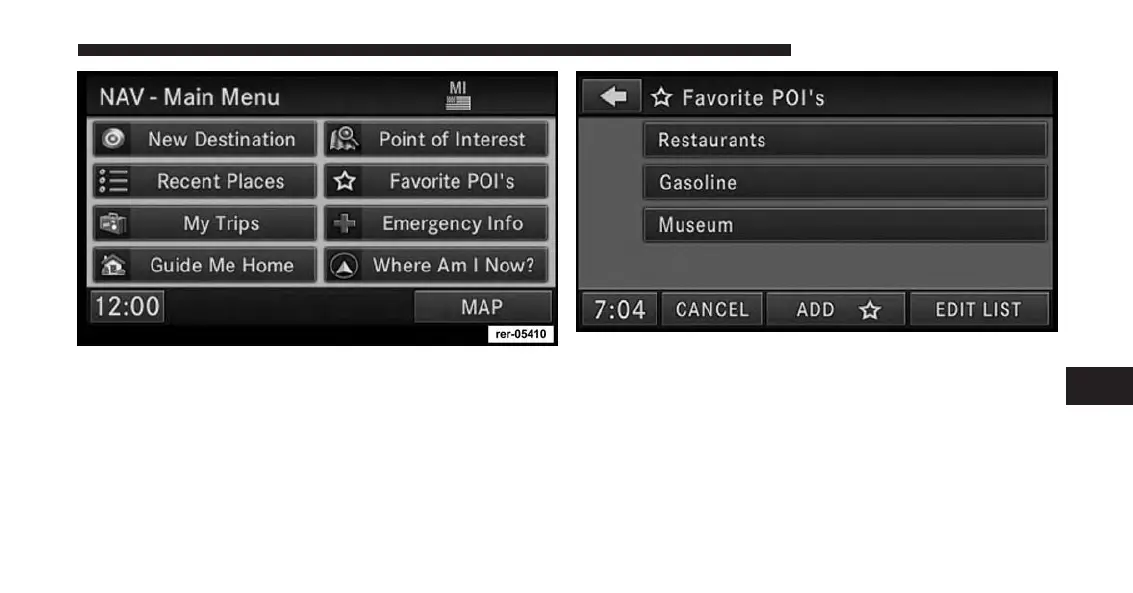
1. Touch the Favorite POIs soft-key in the NAV – Main
Menu screen.
The Favorite POIs screen shows the available categories.
2. You may select ADD to add more categories.
You may select EDIT LIST to either clear all, clear
selected, or move POI categories in the list.
7
Uconnect® GPS Navigation 151



 To Next Page